Table of Contents
TL;DR: Schema markup helps Kenyan businesses show key details like prices and reviews directly on Google for better clicks.
Last Updated: March 2026
Key Takeaways
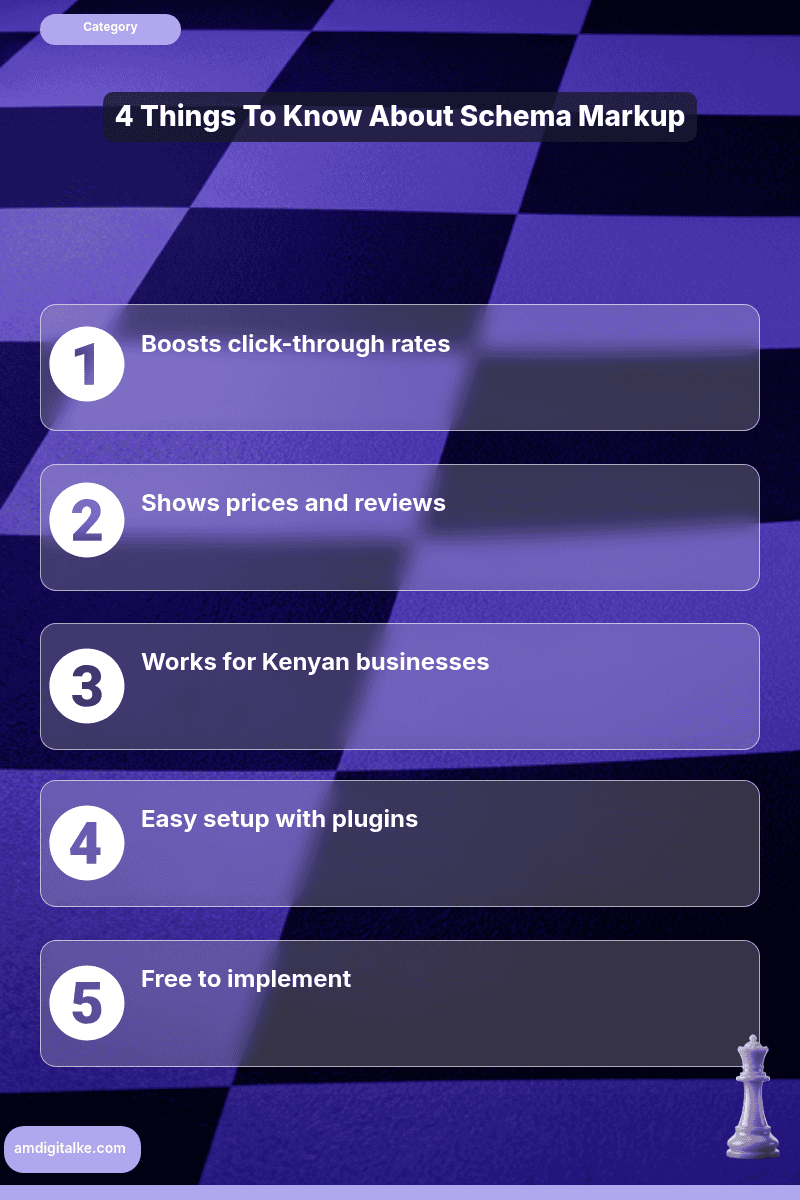
- Boosts click-through rates
- Displays prices and reviews
- Works for Kenyan businesses
- No coding skills needed
- Use plugins for easy setup
Schema markup helps Google understand your business details.
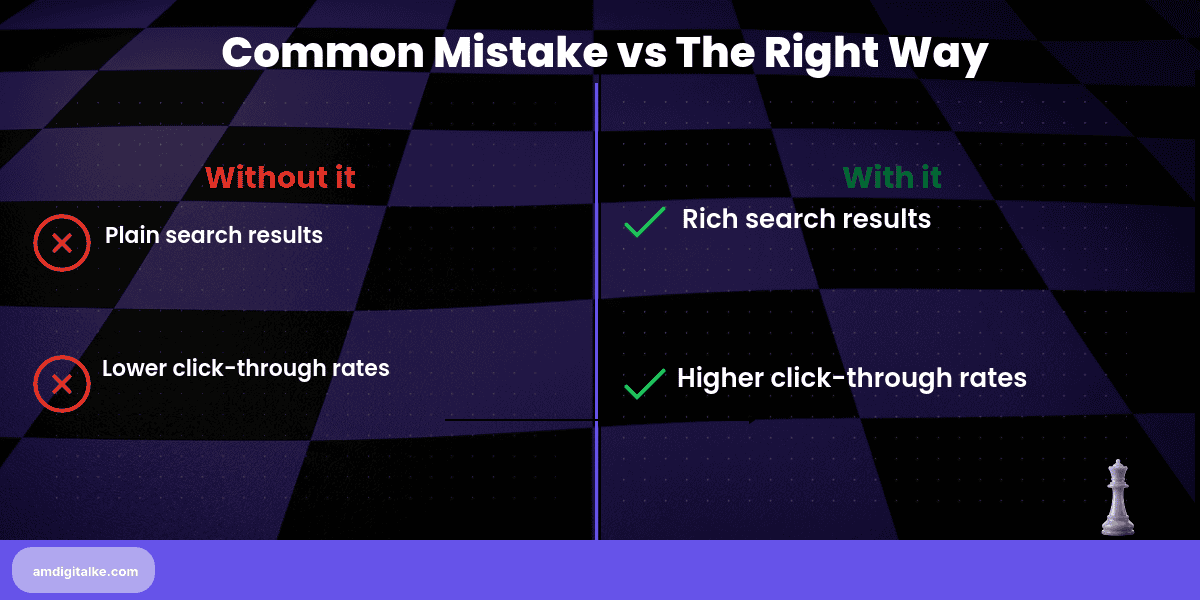
It displays rich results that attract more clicks.
For Kenyan businesses competing in crowded search results, schema can showcase your star ratings, prices, availability, and key information directly on Google, strengthening your broader SEO approach in Kenya.
Based on AM Digital KE client data across Kenyan accounts, this often doubles your click-through rate without ranking higher.
Imagine you run a luxury hotel in Diani Beach.
Someone searches “beach resorts Diani” and sees ten blue links.
But your listing shows 4.8-star reviews, “From KES 15,000/night,” and “Beachfront | Pool | Restaurant” right in the search result.
That visual richness makes you look established and trustworthy compared to plain text competitors.
This captures the booking before they even visit your site.
Using Schema Markup: A Step-by-Step Approach
Step 1: Choose the schema type matching your business
Understanding what schema markup really means helps you select correctly.
Use LocalBusiness for clinics or hotels, Product for e-commerce, Event for conferences, or Organisation for professional services.
Step 2: Install a schema plugin like Rank Math or Schema Pro
These WordPress plugins let you add schema without coding.
Just fill in the forms with your business details.
When implementing technical SEO foundations properly, schema plugins simplify the process.
Step 3: Add your essential business information
Include name, address, phone number, opening hours, price range, and accepted payment methods like M-Pesa.
Maintaining NAP consistency across platforms ensures schema matches your other listings.
Step 4: Mark up specific content on each page
Add Product schema to your room listings.
Include Review schema in testimonials.
Add FAQ schema to your help pages.
This structured approach helps optimise your page speed by reducing unnecessary markup.
Step 5: Test your markup with Google’s Rich Results Test
Visit search.google.com/test/rich-results and enter your URL.
This confirms Google can read your schema correctly.
If you need expert guidance, explore our national SEO services for comprehensive implementation.
Step 6: Submit your update to Google Search Console
After testing successfully, submit your sitemap to Google Search Console.
This helps Google recrawl your updated pages faster.
Learning how mobile-first indexing works ensures your schema displays properly on phones.
✅ Your Schema Markup Checklist:
- ☐ Schema type selected
- ☐ Plugin installed and configured
- ☐ Business information added
- ☐ Page-specific schemas marked up
- ☐ Rich Results Test passed
- ☐ Sitemap submitted to Search Console
- ☐ Mobile display verified
Start with your homepage and main service pages this week.
You’ll see rich results appear within 2-4 weeks as Google recrawls your optimised site.
The improved click-through rates bring more qualified customers actively searching for your services.
If you’re struggling with implementation, check out my SEO FAQs page for common schema questions.
Before launching, download this complete SEO checklist to ensure you haven’t missed any critical technical elements.
Want to verify your schema is working correctly?
Let’s run a free SEO analysis of your site to identify missed opportunities.
Related Content
Curious to learn more about structured data and rich results? Check out the posts below:
- What is Mobile-First Indexing — Mobile-First Indexing determines how Google reads your schema on smartphones, which is crucial since most Kenyan traffic comes from mobile devices.
- Real Estate Schema Markup — See how Kenyan property businesses use schema to display prices, locations, and amenities directly in search results to capture qualified buyers.
- eCommerce Technical SEO — Discover how online stores combine schema with technical optimisations to improve product visibility in competitive Kenyan markets.
- Financial Services Schema — Learn how banks and fintech companies use schema to build trust signals that increase conversions from sceptical customers.
These articles will walk you through the basics of making your business stand out in search results.
Have more SEO questions? Our SEO FAQs Kenya page answers the most common ones.
Frequently Asked Questions
What is schema markup?
Schema markup is code that helps Google understand your business details like prices, reviews, and location.
Does schema markup work in Kenya?
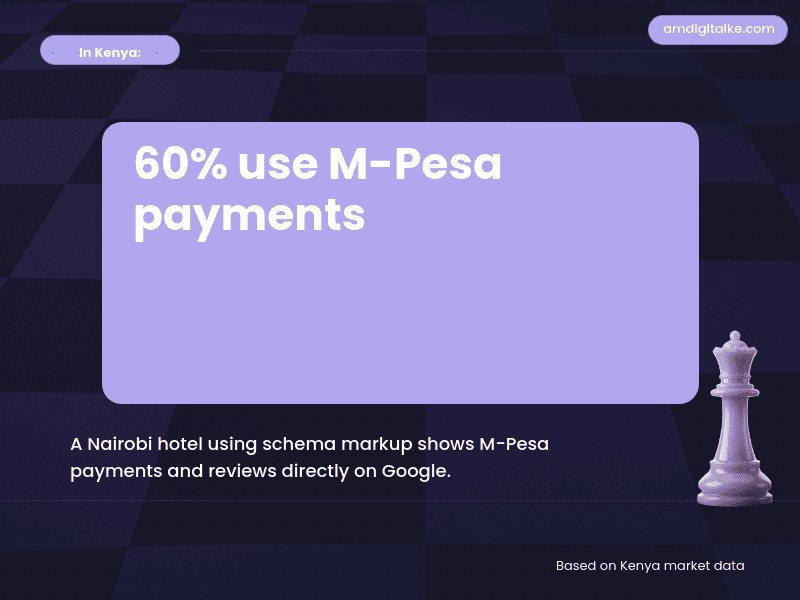
Yes, Kenyan businesses using schema markup show details like M-Pesa payments directly on Google.
Can I add schema markup without coding?
Yes, use plugins like Rank Math or Schema Pro to add schema markup easily.
How does schema help Kenyan hotels?
It showcases star ratings, prices, and amenities directly in search results.
Is schema markup free?
Yes, adding schema markup is completely free using plugins or manual coding.