Table of Contents
- Key Takeaways
- Tracking Conversions in Google Analytics: A Step-by-Step Approach
- ✅ Your Conversion Tracking Checklist:
- Related Content
- Frequently Asked Questions
- Why does Google Analytics matter for Kenyan businesses?
- How do I track M-Pesa payments in Google Analytics?
- Can Google Analytics help reduce ad waste?
- What conversions should Kenyan businesses track?
TL;DR: Google Analytics helps Kenyan businesses track sales from M-Pesa payments, Google ads, and Facebook to focus marketing spend where it works best.
Last Updated: March 2026
Key Takeaways
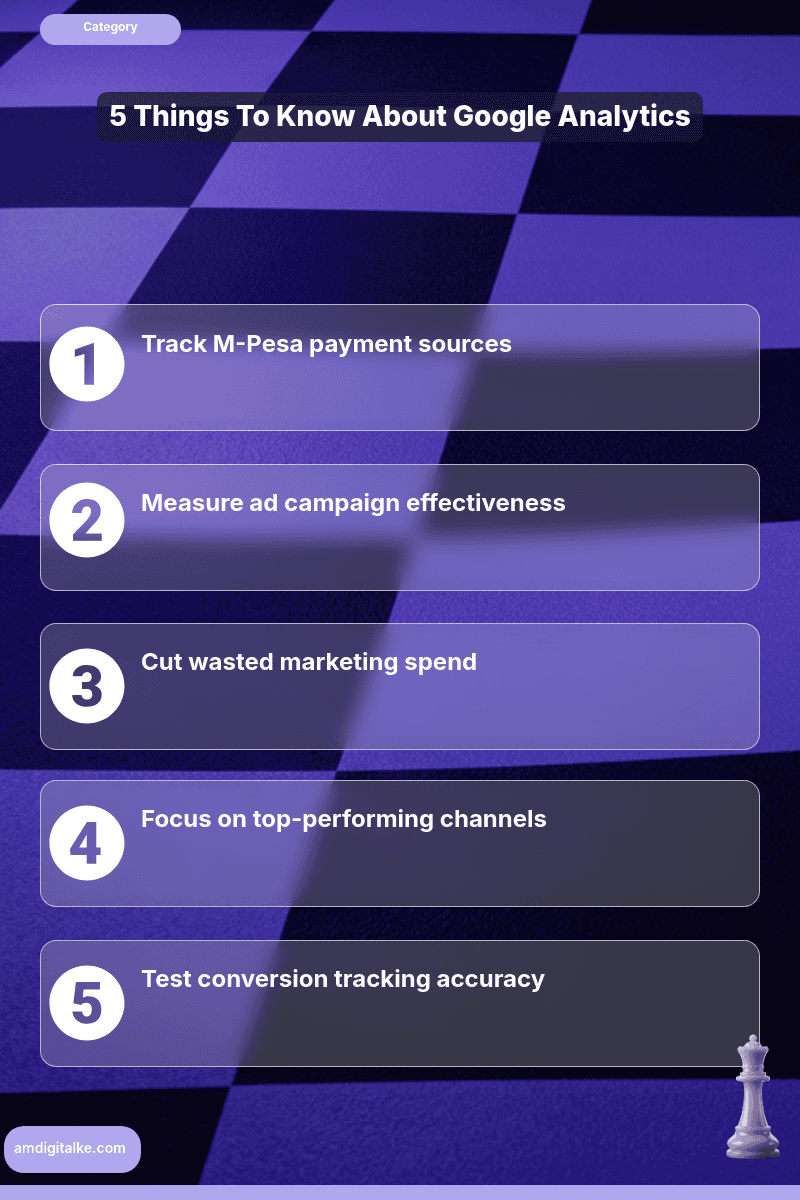
- Track M-Pesa payments effectively
- Identify top-performing marketing channels
- Cut wasted ad spending
- Measure product-specific sales
- Test conversion tracking accuracy
Understanding what Google Analytics tracks reveals which marketing channels drive actual sales and which ones waste your money on window shoppers.
For Kenyan businesses competing in Nairobi’s crowded digital market, this data reveals whether your M-Pesa payments come from Google ads, organic search, or social media. You invest money where it actually works.
Imagine you run an online electronics store selling laptops and smartphones across Kenya.
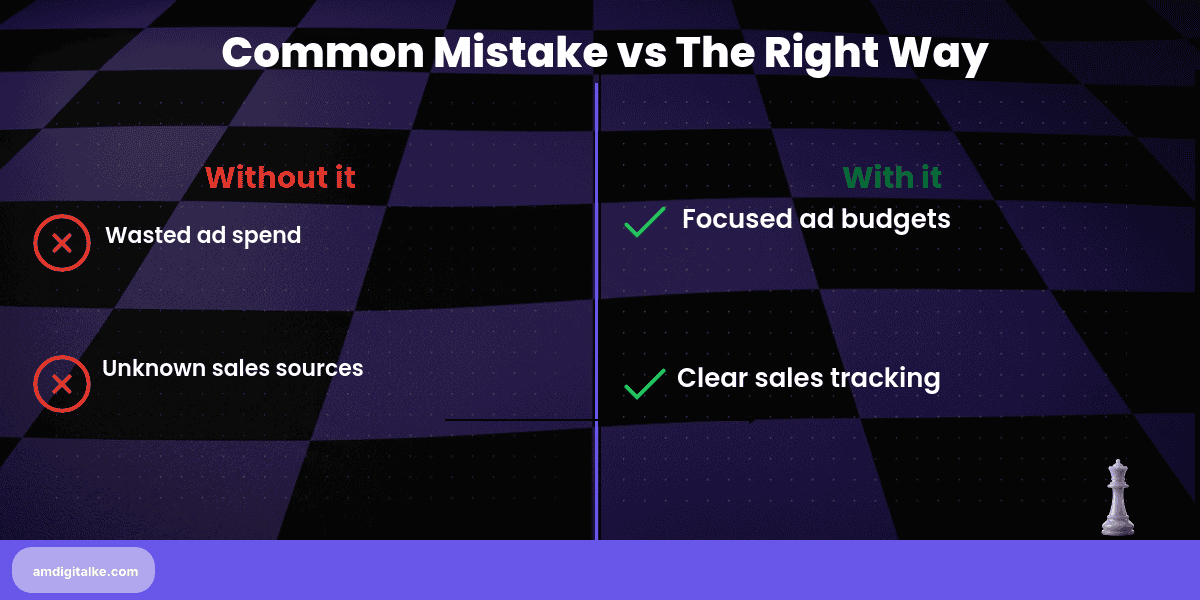
You’re spending KSh 50,000 monthly on Google ads and another KSh 30,000 on Facebook. You don’t know which platform drives actual sales.
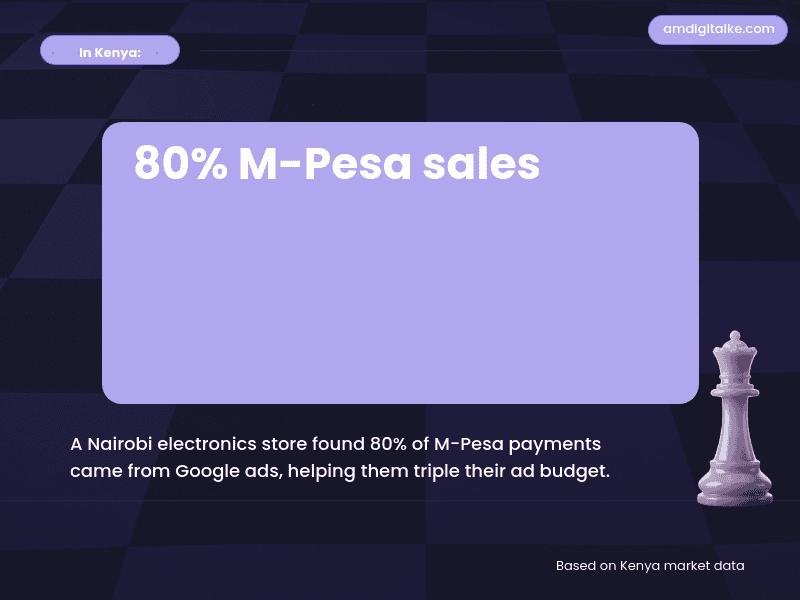
After setting up conversion tracking, you discover 80% of your M-Pesa transactions come from people who searched “buy MacBook Nairobi” on Google. Facebook just brings window shoppers.
Now you triple your Google ad budget and slash Facebook spend. Based on AM Digital KE client data across Kenyan accounts, sales jump 40% with the same total marketing cost.
Tracking Conversions in Google Analytics: A Step-by-Step Approach
Step 1: Set up Google Analytics 4 on your website and connect it to your payment system
Install the GA4 tracking code and integrate it with your checkout page or M-Pesa payment gateway.
Implementing technical SEO properly ensures tracking codes don’t slow down your site.
Step 2: Define what counts as a conversion for your business
Choose key actions like completed purchases, contact form submissions, phone clicks, or M-Pesa payment confirmations.
Understanding what organic traffic means helps you measure which channels drive free versus paid conversions.
Step 3: Create conversion events in GA4 for each important action
Go to Admin > Events > Mark as conversion, or create custom events for specific goals like “purchase_complete.”
This data shows which content marketing strategies actually convert browsers into buyers.
Step 4: Add event parameters to track transaction value and products
Include revenue amount, currency (KES), product names, and quantities in your conversion events.
Implementing keyword research strategically helps you understand which search terms drive high-value transactions.
Step 5: Test conversions by completing a purchase yourself
Make a real transaction on your site and verify it appears in GA4 within 24-48 hours. Testing ensures your tracking captures all conversion data accurately.
Step 6: Set up enhanced e-commerce tracking for product performance data
Enable this to see which laptops or phones sell best and which pages lose customers during checkout.
Optimising your page speed effectively prevents slow checkout pages from killing conversions.
Step 7: Create custom reports showing conversion sources and ROI
Build dashboards that compare conversion rates from Google, Facebook, organic search, and direct traffic.
Using Google Search Console effectively complements Analytics by showing which keywords need optimisation.
For comprehensive metric explanations, check out my SEO FAQs page to understand all the analytics terminology that matters.
✅ Your Conversion Tracking Checklist:
- ☐ GA4 code installed sitewide
- ☐ Payment system connected
- ☐ Key conversions defined
- ☐ Events marked as conversions
- ☐ Transaction values tracking
- ☐ Test purchase completed
- ☐ Custom reports created
Start tracking your top three conversion actions today. Within two weeks, you’ll identify which marketing channels waste money and which deserve bigger budgets.
Clear data means confident decisions and better ROI.
Before launching tracking, download this complete SEO Checklist to ensure you measure all important metrics together.
Want to see which channels currently drive your traffic? Let’s run a free SEO analysis to identify your conversion optimisation opportunities.
Related Content
Curious to learn more about tracking your marketing performance? Check out the posts below:
- Google Analytics 4 Setup Guide – This comprehensive guide walks you through the complete GA4 setup process for Kenyan businesses.
- Tracking What Matters – Learn which metrics actually indicate business growth versus vanity numbers that don’t matter.
- Conversion Tracking Guide – Master the advanced conversion tracking strategies that show exactly which activities generate revenue.
- Local SEO Services – See how Kenyan businesses use conversion data to optimise their local search campaigns for maximum ROI.
These articles will help you turn analytics data into profitable business decisions.
Have more SEO questions? Our SEO FAQs Kenya page answers the most common ones.
Frequently Asked Questions
Why does Google Analytics matter for Kenyan businesses?
It shows which platforms like Google or Facebook drive M-Pesa payments, helping businesses focus their ad budgets effectively.
How do I track M-Pesa payments in Google Analytics?
Integrate GA4 with your payment gateway and set up conversion events for M-Pesa transactions to track sales sources.
Can Google Analytics help reduce ad waste?
Yes, it reveals which ads bring sales versus window shoppers, letting you cut wasted spending.
What conversions should Kenyan businesses track?
Track purchases, M-Pesa payments, form submissions, and product-specific sales to understand customer behavior.