Table of Contents
- Key Takeaways
- Mastering Google Search Console: Step-by-Step
- ✅ Your Search Console Checklist:
- Related Content
- Frequently Asked Questions
- Why should Kenyan businesses use Google Search Console?
- How does Google Search Console help mobile users?
- Can I see my Kenyan website keywords?
- How often should I check Search Console?
TL;DR: Google Search Console helps Kenyan businesses track website performance and fix technical issues for better search rankings.
Last Updated: March 2026
Key Takeaways
- Track keyword performance
- Fix mobile usability issues
- Identify indexing errors
- Monitor organic traffic
- Improve Kenya-based CTR
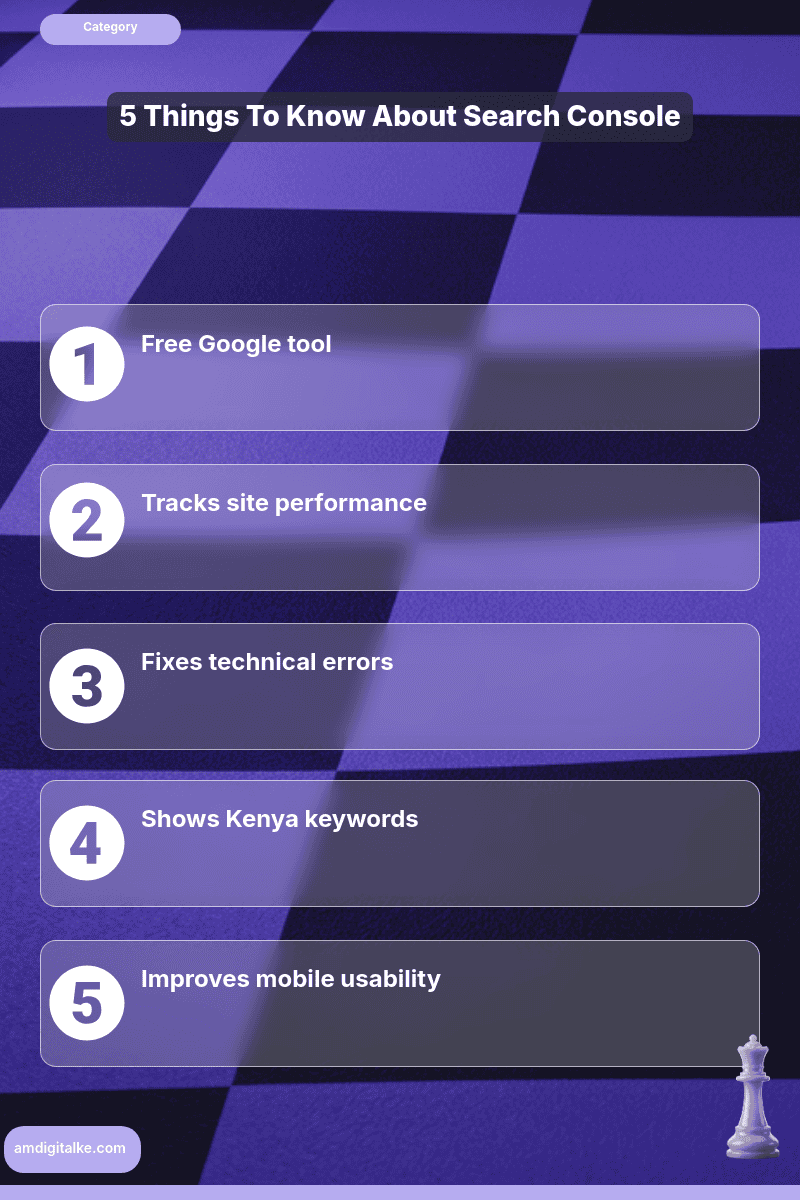
Understanding what Google Search Console does shows you exactly how customers find your website.
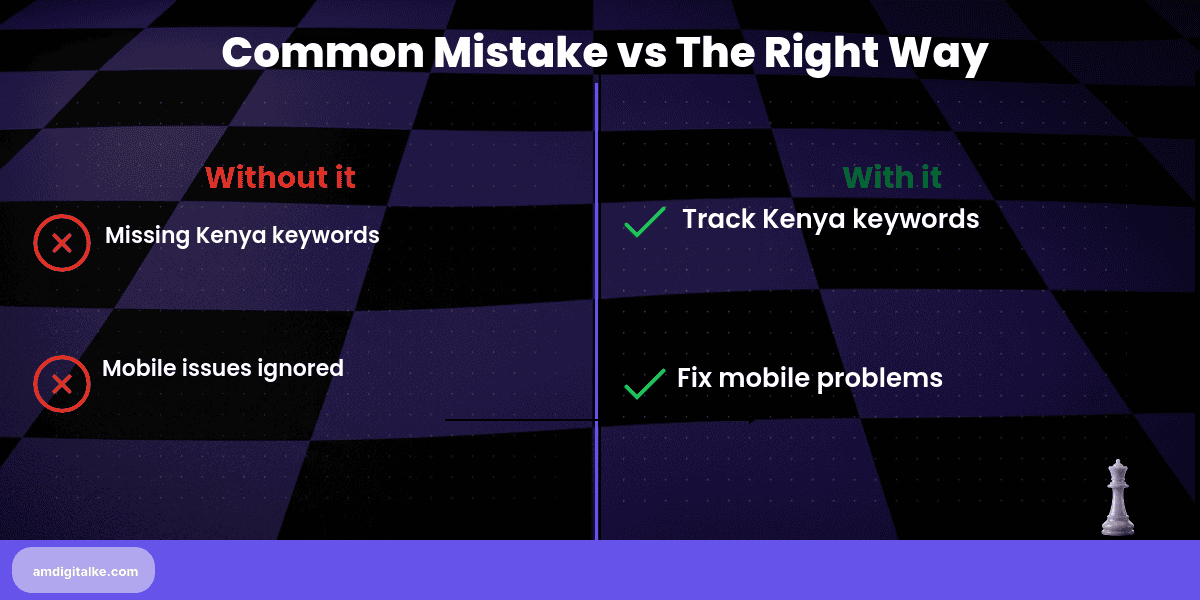
It reveals which keywords bring traffic and what technical issues might be blocking your visibility.
And when those technical issues feel over your head, that is what our technical SEO service handles.
For Kenyan businesses competing in Nairobi’s crowded digital market, this free tool reveals opportunities your competitors are missing.
It helps you fix problems before they cost you sales.
Imagine you run a law firm in Nairobi’s CBD.
You’ve invested in a website, but inquiries are slow.
After checking Search Console, you discover you’re ranking on page 2 for “business registration Kenya” with 500 monthly searches.
Your page loads slowly on mobile.
You fix the speed issue and optimise that page.
Within six weeks, you’re on page 1, and client inquiries from that keyword triple.
Mastering Google Search Console: Step-by-Step
Step 1: Verify your website ownership
Add your domain to Search Console using the HTML tag method or DNS verification from your hosting provider.
Understanding what technical SEO involves helps you implement verification properly without breaking your site.
Step 2: Check the Performance report weekly
Identify your top 10 performing keywords and see which pages get the most clicks from Google.
Implementing keyword research strategically helps you understand which terms drive your business growth.
Step 3: Find high-impression, low-click-rate keywords
These are terms where you rank, but your title or description isn’t compelling enough to earn clicks.
Maximising your CTR effectively turns these impressions into actual website visitors.
Step 4: Review the Coverage report for indexing errors
Fix any “excluded” or “error” pages that Google can’t properly crawl or index.
Understanding what indexing means shows you why some pages don’t appear in search results.
Step 5: Monitor mobile usability issues
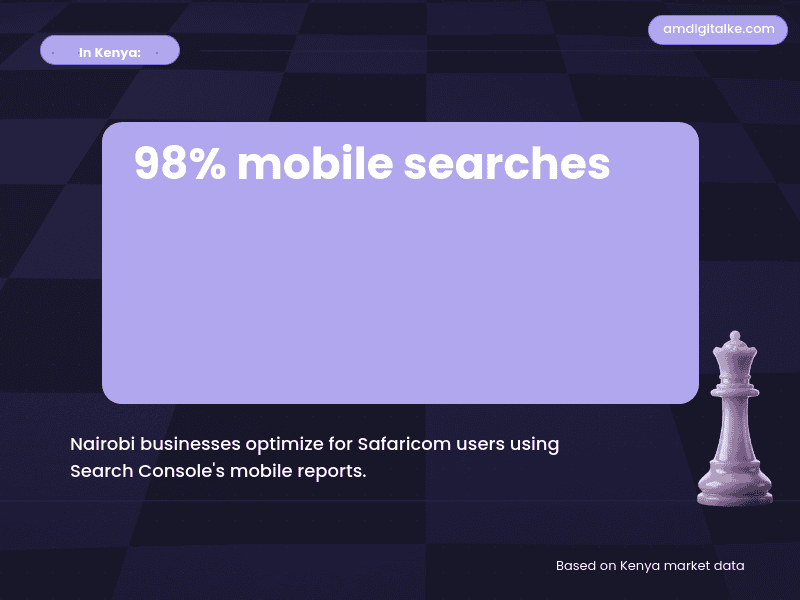
Kenya’s searchers are mobile-first.
Fix any mobile-specific problems immediately.
Leveraging mobile-first indexing properly ensures your site works perfectly on Safaricom networks.
Step 6: Submit your sitemap
Help Google discover all your important pages faster by uploading your XML sitemap.
Understanding what web crawling involves explains how Google finds and indexes your content.
Step 7: Use the URL Inspection tool after updates
Request re-indexing whenever you publish new service pages or fix important content.
This speeds up how quickly Google recognises your changes.
For more technical insights, check out my SEO FAQs page for complete explanations of indexing and crawling concepts.
✅ Your Search Console Checklist:
- ☐ Website verified and connected
- ☐ Performance report reviewed weekly
- ☐ High-impression keywords optimised
- ☐ Coverage errors fixed
- ☐ Mobile usability checked
- ☐ Sitemap submitted successfully
- ☐ New pages requested for indexing
Check Search Console every Monday morning.
You’ll spot ranking opportunities and technical problems within minutes, seeing measurable traffic improvements in 4-6 weeks.
Before diving into your data, download this complete SEO Checklist to understand how Search Console fits into your complete strategy.
Ready to see what Search Console reveals about your site?
Let’s run a free SEO analysis to uncover hidden ranking opportunities.
Related Content
Curious to learn more about tracking your SEO performance? Check out the posts below:
- How to Perfect Technical SEO – Technical SEO fixes the issues that Search Console reveals, from crawling errors to mobile problems.
- What is Page Speed – Page speed issues appear in Search Console’s Core Web Vitals report and directly impact your rankings.
- Google Analytics 4 for Kenyan Businesses – While Search Console shows how people find you, GA4 shows what they do after arriving on your site.
- Why Search Intent Beats Search Volume – Search Console data reveals which keywords convert, helping you focus on intent over volume.
These articles will help you turn Search Console data into actionable improvements.
Have more SEO questions? Our SEO FAQs Kenya page answers the most common ones.
Frequently Asked Questions
Why should Kenyan businesses use Google Search Console?
It helps improve website visibility in Kenya’s competitive markets like Nairobi CBD.
How does Google Search Console help mobile users?
It identifies mobile issues crucial for Safaricom users in Kenya.
Can I see my Kenyan website keywords?
Yes, it shows which Kenya-specific keywords drive traffic.
How often should I check Search Console?
Weekly checks keep your Kenya website optimized.