Table of Contents
TL;DR: Google Analytics 4 helps Kenyan businesses track website visitors and optimize marketing efforts using free, actionable data.
Last Updated: March 2026
Key Takeaways
- GA4 tracks detailed customer journeys
- Essential for Kenyan SMEs
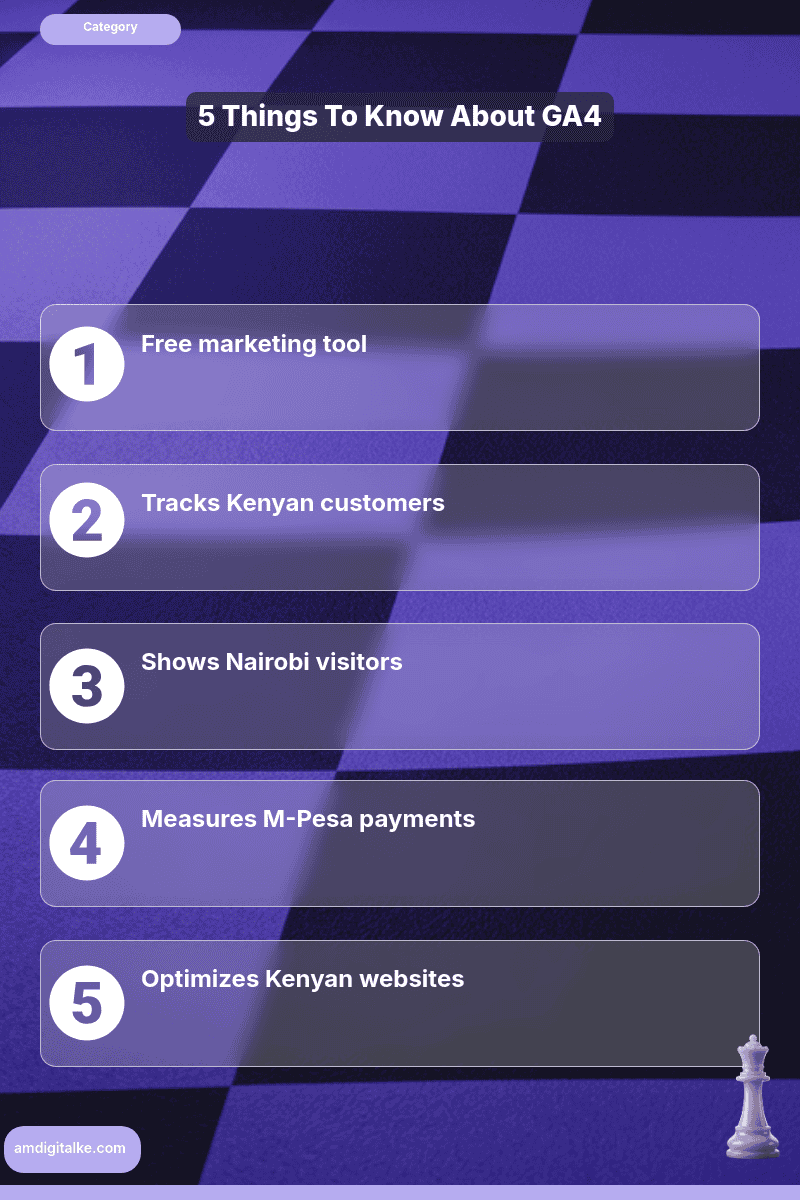
- Free marketing tool
- Setup takes 30 minutes
- Focus on key conversions
Your Nairobi restaurant’s website gets visitors.
Your Westlands law firm‘s site has traffic. But here’s the question keeping you up at night: Who are these people?
What are they doing?
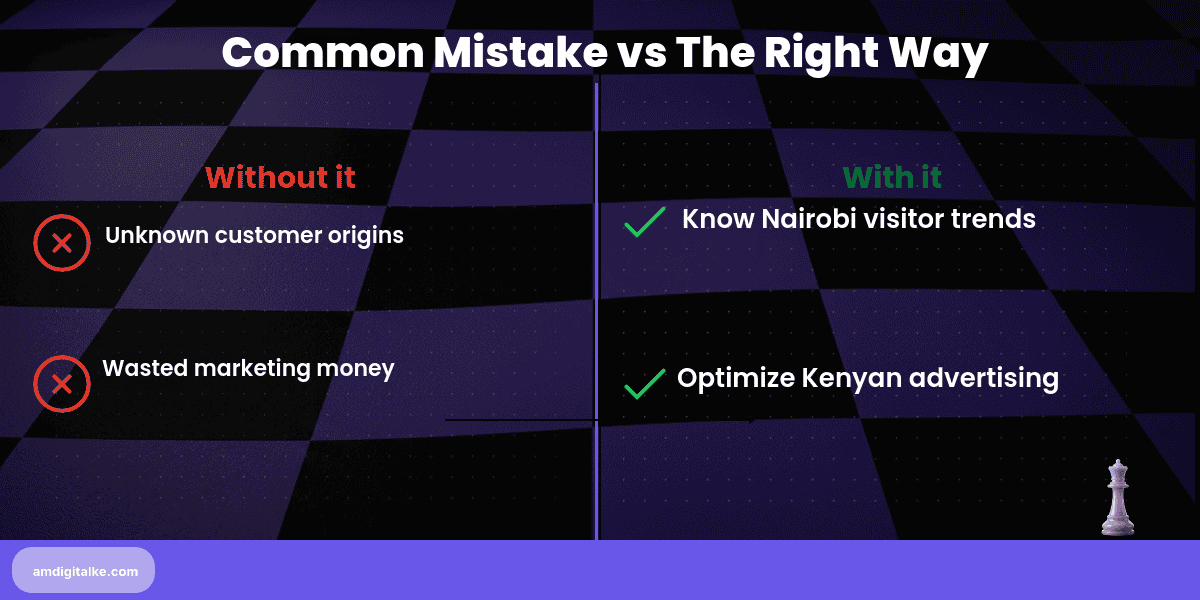
And why aren’t more of them becoming customers? Without Google Analytics 4, you’re flying blind.
You’re making marketing decisions based on gut feeling rather than data.
Why GA4 Matters for Kenyan Businesses
Most Kenyan business owners check their website occasionally.
They see it’s “working” and call it a day. Meanwhile, competitors using GA4 know exactly which pages convert.
They know which Nairobi neighbourhoods their customers come from.
They know which marketing channels actually drive sales. Understanding what Google Analytics means isn’t just about counting visitors.
It’s about understanding the customer journey from first click to final purchase.
For Kenyan businesses competing with established brands and international platforms, data is your competitive advantage. GA4 shows you what’s working so you can do more of it.
It shows what’s failing so you can fix it.
The best part? It’s completely free.
Your GA4 Setup Guide
Step 1: Create Your GA4 Property
Head to analytics.google.com and sign in with your Google account.
Click “Admin” in the bottom left, then “Create Property.” Name it clearly: “Karen Restaurant Website” or “Westlands Law Firm Site.”
Select your timezone (Africa/Nairobi) and currency (KES).
This ensures your data reflects Kenyan business hours and pricing.
Step 2: Set Up Data Streams
Click “Data Streams” and choose “Web.”
Enter your website URL and stream name. GA4 generates a Measurement ID (starts with G-).
Copy this. You’ll need it next.
If you’re tracking a mobile app too, set up iOS and Android streams separately.
Step 3: Install Tracking Code
You have three options:
Google Tag Manager (recommended): Add your Measurement ID to GTM.
This gives you the flexibility to track custom events without touching code.
Direct Installation: Paste the GA4 tracking code in your website’s header section before the closing </head> tag.
WordPress Plugin: Use “Site Kit by Google” or “GA Google Analytics” plugins for easy setup.
Step 4: Configure Key Events (Conversions)
GA4 tracks actions, not just pageviews.
Set up events that matter to your business:
- Contact form submissions
- Phone number clicks (huge for Kenyan businesses where calls drive sales)
- WhatsApp button clicks (since most Kenyan customers prefer WhatsApp)
- Add to cart and purchase (for eCommerce)
- Brochure/PDF downloads
Mark these as “Key Events” in GA4 so you can track conversions properly.
For more detailed guidance, check out my SEO FAQs page, where I explain event tracking setup.
Step 5: Enable Enhanced Measurement
In Data Streams, toggle on Enhanced Measurement.
This automatically tracks: scrolling, outbound link clicks, site search, video engagement, and file downloads. No extra code needed.
GA4 handles it.
Step 6: Link to Google Search Console
In Admin > Product Links, connect GA4 to understand what Google Search Console means.
This shows you which keywords bring traffic, how you rank, and where SEO opportunities exist. For Kenyan businesses targeting improving their Local SEO performance like “lawyer in Westlands” or “best restaurant in Karen,” this connection is gold.
Step 7: Set Up Audience Segments
Create audiences for: visitors from Nairobi, users who visited pricing pages, people who started checkout but didn’t complete, and mobile users.
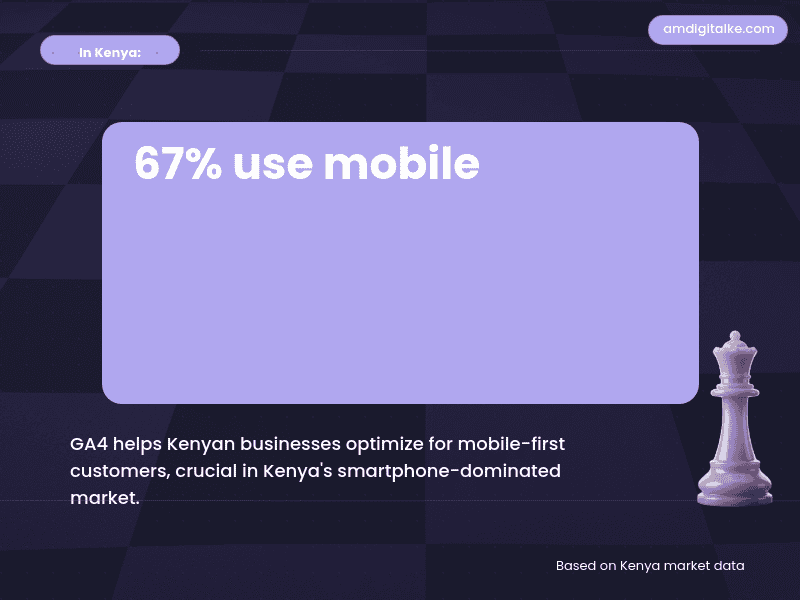
Based on AM Digital KE client data across Kenyan accounts, mobile users represent the majority of traffic. These segments help you understand different customer groups and retarget them effectively.
A Kilimani real estate agency installed GA4 and discovered that 68% of their leads came from mobile devices between 6-9 PM.
Yet their website loaded slowly on mobile. After optimising your page speed properly, their contact form submissions increased by 34%.
A Mombasa Road car dealership found that visitors from Facebook spent an average of 12 seconds on their site.
Google search visitors spent 4+ minutes and were 6X more likely to book test drives. They shifted their ad budget accordingly and doubled their qualified leads.
Your GA4 Quick Action Steps
1. Create Your Property (15 minutes):
- Set up a GA4 account with the Kenya timezone and KES currency
- Generate your Measurement ID
- Choose installation method (GTM recommended)
2. Install Tracking (30 minutes):
- Add tracking code to your website header
- Verify data is flowing using GA4’s Real-Time report
- Test from a mobile device to confirm mobile tracking works
3. Set Up Key Events (20 minutes):
- Identify your top 3 conversion actions
- Configure events for phone clicks and WhatsApp buttons
- Mark these as Key Events in GA4 settings
Before implementing changes based on your data, download this complete SEO Checklist to ensure your GA4 setup covers all critical conversion tracking points.
Pro Tip: Check GA4 weekly for the first month to understand your baseline traffic patterns.
Look at device types (mobile vs desktop), traffic sources, and top-performing pages. This becomes your roadmap for understanding what SEO really means and marketing improvements.
Google Analytics 4 transforms guesswork into strategy
At AM Digital KE, we don’t just set up GA4 for Kenyan businesses.
We teach you how to read the data and make decisions that grow your revenue.
Making marketing decisions without knowing what actually works?
Check out our Analytics Services in Kenya and learn how we set up GA4 to track what matters. We focus on conversions, not just traffic, for Kenyan businesses.
Ready to know exactly what’s happening on your website?
Book a free SEO audit where we’ll configure your key events, identify hidden opportunities in your current data, and teach you which metrics actually drive business decisions.
Related Content
Curious to learn more about GA4 and analytics? Check out the posts below
- How to Make Decisions with Google Analytics — Once GA4 is installed, this guide shows you how to actually use the data to make profitable business decisions.
- What is Organic Traffic — GA4 helps you track organic traffic separately so you can measure SEO ROI accurately.
- How to Implement SEO — Use GA4 data to guide your SEO implementation strategy and measure which tactics actually work.
- Why Search Intent Beats Search Volume — GA4’s behaviour data reveals which keywords bring engaged visitors versus bounce-prone traffic.
These articles will help you build a complete data-driven SEO strategy.
Have more SEO questions? Our SEO FAQs Kenya page answers the most common ones.
Frequently Asked Questions
Is GA4 free for Kenyan businesses?
Yes, GA4 is completely free and available to all Kenyan businesses regardless of size.
Can GA4 track M-Pesa transactions?
Yes, GA4 can track M-Pesa payments when properly set up through event tracking.
What Kenyan timezone does GA4 use?
GA4 uses Africa/Nairobi timezone when set up correctly for Kenyan businesses.
Can GA4 help beat competitors?
Yes, GA4 provides data-driven insights to outsmart Nairobi and Kenyan market competitors.