Table of Contents
- Key Takeaways
- Steps to Set Up an XML Sitemap for Your Kenyan Business
- Your XML Sitemap Checklist:
- Related Content
- Frequently Asked Questions
- Why is an XML sitemap important for Kenyan businesses?
- What happens if I don’t submit an XML sitemap?
- Can I manually create an XML sitemap?
- How often should I update my XML sitemap?
TL;DR: To set up an XML sitemap, generate it using Yoast SEO or an online tool, verify all important pages are included, and submit it through Google Search Console.
Last Updated: March 2026
Key Takeaways
- Helps Google index pages faster
- Essential for Kenyan online businesses
- Keep it under 50,000 URLs
- Submit via Google Search Console
- Monitor for errors post-submission
An XML sitemap helps Google discover and index all your important pages faster. Your Nairobi business appears in search results sooner, part of building a solid SEO foundation in Kenya.
For competitive Kenyan markets where new content needs immediate visibility, understanding what XML sitemaps are ensures you’re not losing traffic to competitors simply because Google hasn’t found your pages yet.
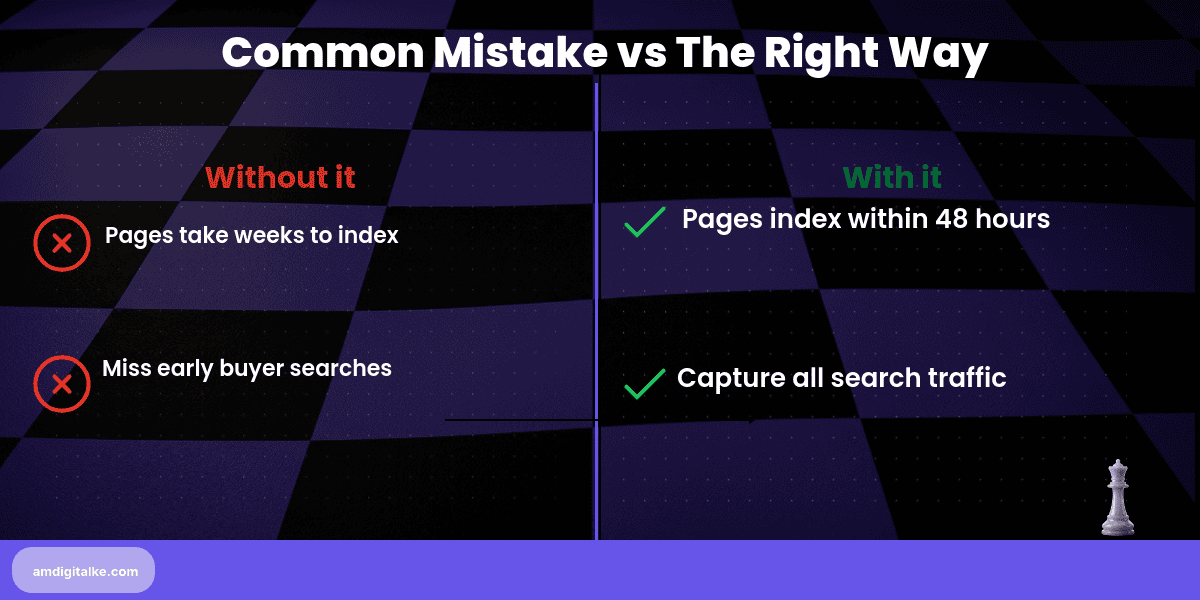
Imagine you run an online electronics store selling laptops and smartphones across Kenya. You upload 50 new product pages for the latest iPhone models and MacBooks.
Weeks later, they still don’t appear in Google search results. Meanwhile, competitors selling the same products at higher prices are capturing all the “buy iPhone 16 Nairobi” searches.
A properly submitted XML sitemap would have gotten your pages indexed within 48 hours. You’d capture those early buyers.
Steps to Set Up an XML Sitemap for Your Kenyan Business
Step 1: Generate your sitemap using Yoast SEO (WordPress) or an online sitemap generator tool
Most website platforms create sitemaps automatically at yoursite.co.ke/sitemap.xml. This perfecting technical SEO fundamentals approach ensures Google finds all your content.
Step 2: Open your sitemap file and verify it includes all important pages (products, services, blog posts)
Remove thank-you pages, admin pages, and duplicate content that shouldn’t be indexed. This understanding of what technical SEO best practices keeps your sitemap focused on valuable content.
Step 3: Keep your sitemap under 50,000 URLs and 50MB in size
If larger, split into multiple sitemaps using a sitemap index file. Proper sizing helps indexing your website pages happen efficiently.
Step 4: Submit your sitemap to Google Search Console under “Sitemaps” in the left menu
Paste the full URL (https://yoursite.co.ke/sitemap.xml) and click submit. This tells Google exactly where to find your complete site structure.
Step 5: Check for errors in Google Search Console 48 hours after submission
Fix any “couldn’t fetch” or “invalid URL” errors immediately to ensure proper indexing. Monitoring helps master web crawling processes catch problems before they hurt rankings.
Step 6: Update your sitemap automatically whenever you add new pages
Modern CMS platforms do this automatically. Verify yours is configured correctly.
Automatic updates ensure new product listings appear in search results as soon as possible.
Your XML Sitemap Checklist:
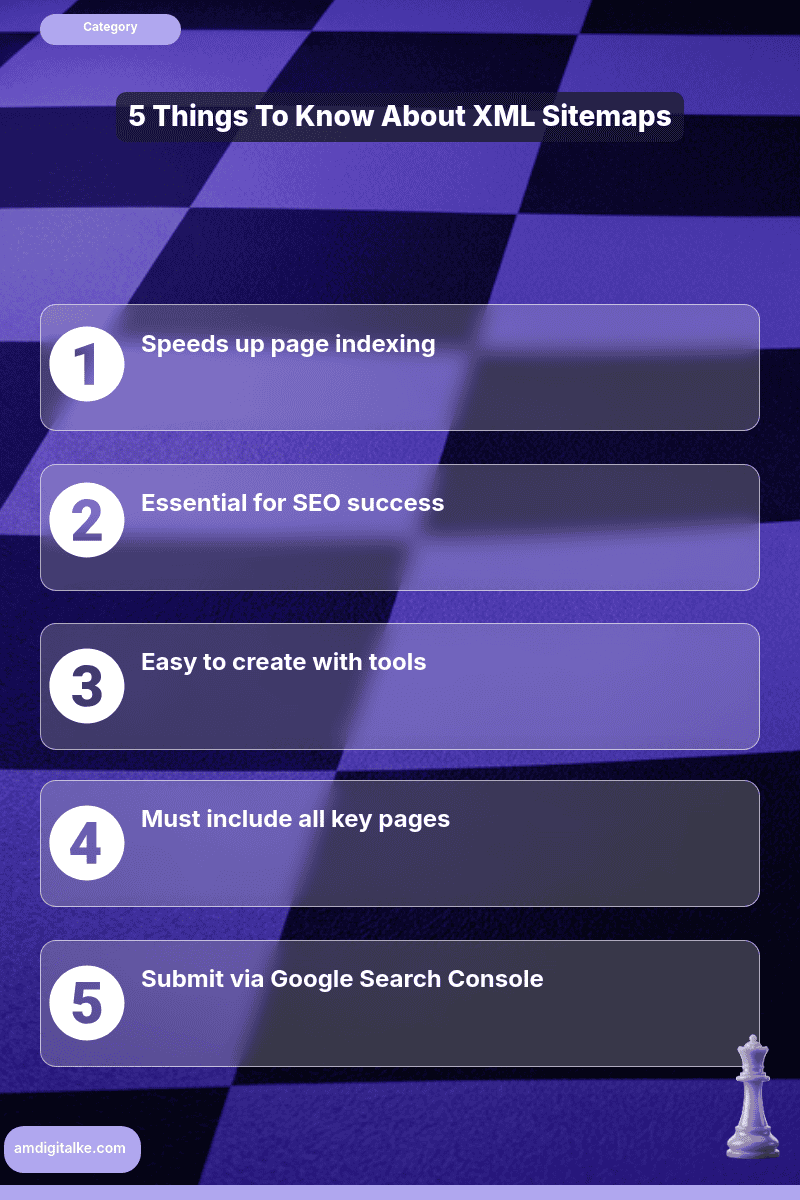
- ☐ Sitemap generated and accessible
- ☐ Only important pages included
- ☐ Under 50,000 URLs total
- ☐ Submitted to Google Search Console
- ☐ No errors in GSC report
- ☐ Auto-updates enabled on CMS
- ☐ Robots.txt references the sitemap location
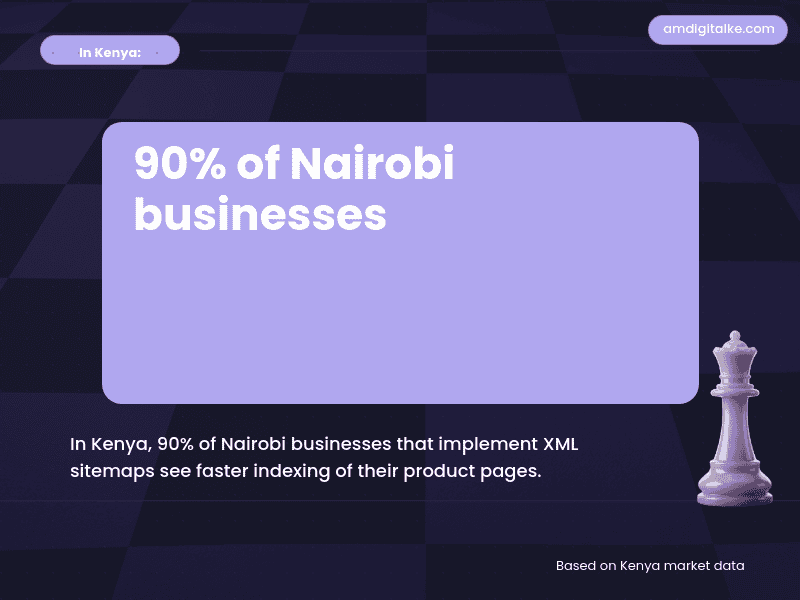
Submit your sitemap today and check Google Search Console in 48 to 72 hours. Based on AM Digital KE client data across Kenyan accounts, new pages start appearing in search results within 3 to 5 days instead of weeks.
This gives you a first-mover advantage on fresh content and new inventory.
Have questions about indexing? Check out my SEO FAQs page for detailed explanations of sitemaps and crawling concepts.
Want to cover all technical bases? Download this complete SEO Checklist to ensure proper XML sitemap configuration and more.
Ready to speed up your indexing? Let’s run a free SEO analysis to identify which pages aren’t being found by Google yet.
Related Content
- How to Set Up Robots.txt File – A Kenyan SEO Specialist’s Guide — Your robots.txt file should reference your XML sitemap location to help Google discover it faster.
- What is Indexing (from a Kenya SEO Specialist) — Understanding how Google indexes pages shows why XML sitemaps accelerate the discovery process for new content.
- How to Optimise with Canonical URLs – Kenya’s SEO Authority Guide — Your XML sitemap should reference your preferred canonical URLs to guide Google toward the versions you want indexed.
- What is Schema Markup (for the Kenya Market) — Schema markup and XML sitemaps work together to help Google understand and index your content more effectively.
- eCommerce SEO Services — See how Kenyan online stores use XML sitemaps to get new product listings indexed within hours instead of waiting weeks.
These articles will walk you through the basics of getting your pages discovered and ranked faster.
Have more SEO questions? Our SEO FAQs Kenya page answers the most common ones.
Frequently Asked Questions
Why is an XML sitemap important for Kenyan businesses?
It ensures Google finds and indexes your pages quickly. This is crucial for competitive markets like Nairobi.
What happens if I don’t submit an XML sitemap?
Your pages may take longer to appear in search results. You lose traffic to competitors.
Can I manually create an XML sitemap?
You can, but automated tools like Yoast SEO make it easier and error-free.
How often should I update my XML sitemap?
Update it whenever you add or remove significant pages on your site.