Table of Contents
TL;DR: To improve crawlability, fix broken links, submit an XML sitemap, and ensure mobile speed. Kenya businesses gain a competitive edge.
Last Updated: March 2026
Key Takeaways
- Fix broken links quickly
- Submit XML sitemap to Google
- Optimize mobile site speed
- Use internal linking strategically
- Monitor crawl errors weekly
Web crawling determines how quickly Google discovers and indexes your new content, which shapes how SEO performs for Kenyan sites.
For Kenyan businesses competing in Nairobi’s crowded digital market, efficient crawling means your product updates, blog posts, and new pages rank faster. You gain a competitive edge over slower competitors.
Imagine you run an online electronics store in Nairobi.
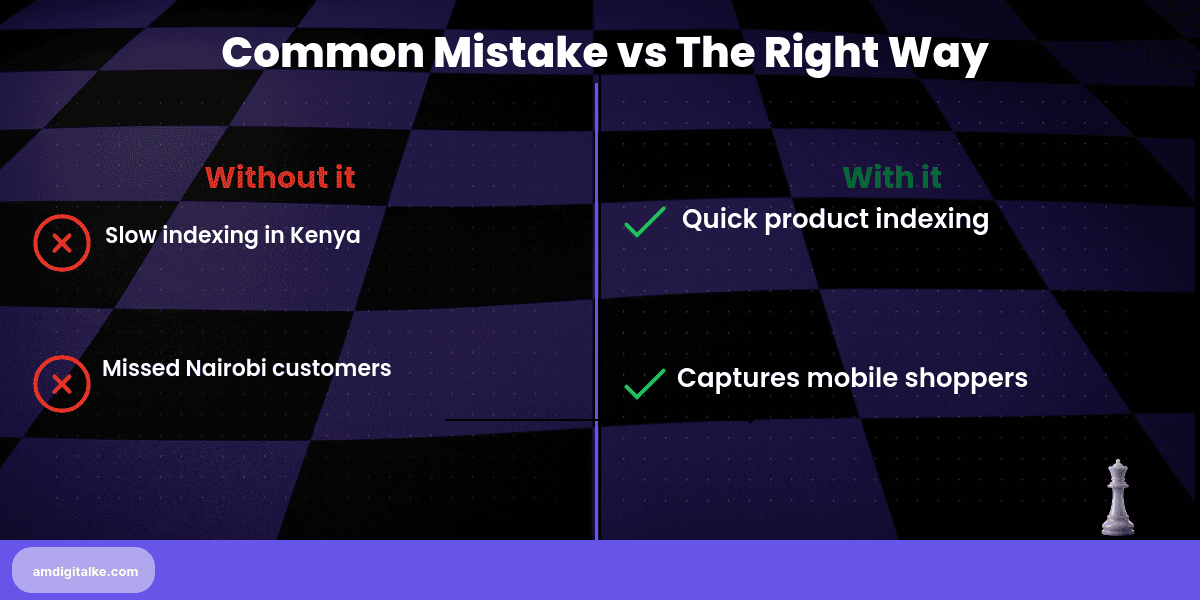
You just added 50 new laptop models with competitive prices. If Google’s crawler can’t efficiently access your site, those listings might take weeks to appear in search results for “buy laptops Nairobi.”
Meanwhile, your competitor’s products get indexed yesterday and dominate the first page. Proper crawl optimisation means your new inventory gets indexed within 24-48 hours, capturing mobile shoppers actively searching right now.
Steps to Master Web Crawling for Your Kenyan Business
Step 1: Check your robots.txt file at yoursite.com/robots.txt
Ensure you’re not accidentally blocking important pages like product listings or service pages.
Step 2: Submit an XML sitemap through Google Search Console
This tells Google exactly which pages exist. It shows which pages should be crawled first.
Step 3: Fix broken internal links using Screaming Frog or similar tools
Dead links waste Google’s crawl budget. They also create a poor user experience.
Step 4: Improve site speed to under 3 seconds on mobile
Faster sites get crawled more frequently. Google can access more pages per visit.
Step 5: Use internal linking to highlight priority pages
Link to your most important product categories from your homepage. Include them in your main navigation.
Step 6: Set crawl rate preferences in Google Search Console if needed
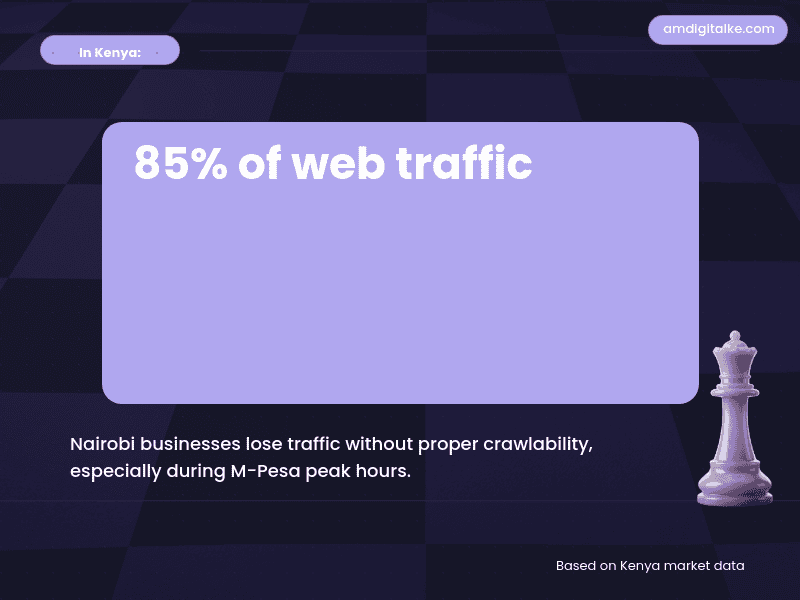
Only adjust if you’re experiencing server overload during peak M-Pesa transaction times.
✅ Your Web Crawling Checklist:
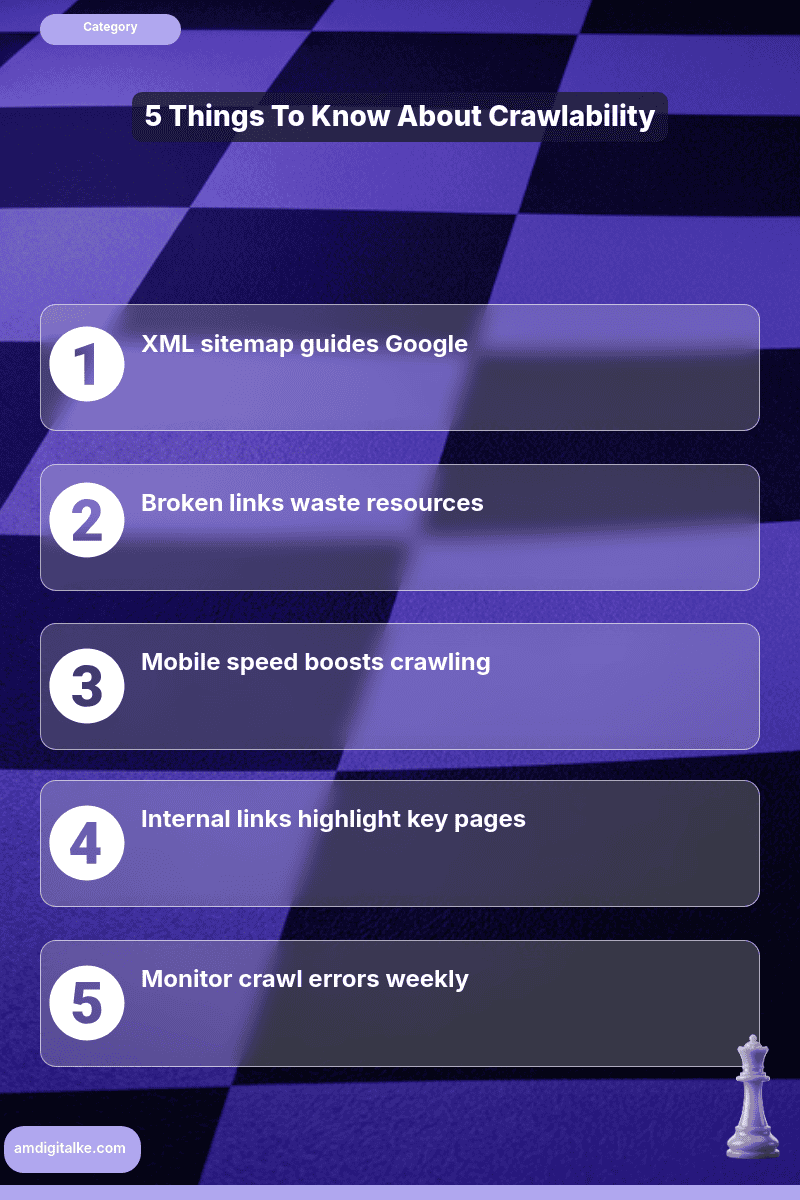
- ☐ Review the robots.txt file
- ☐ Submit XML sitemap
- ☐ Fix all broken links
- ☐ Test mobile site speed
- ☐ Add internal links to key pages
- ☐ Monitor Search Console coverage report
- ☐ Check for crawl errors weekly
Start with your sitemap and robots.txt today. These take 15 minutes but deliver results within one week.
Google will crawl your new content faster. Your fresh updates will reach Nairobi customers while they’re still searching.
Learn more: What is Web Crawling? | Back to SEO FAQ
Have more SEO questions? Our SEO FAQs Kenya page answers the most common ones.
Frequently Asked Questions
Why is crawlability important for Kenyan businesses?
Fast crawling helps Nairobi businesses compete by getting new products indexed quickly.
How do I check my crawlability?
Use Google Search Console to monitor crawl errors and coverage reports.
What is a robots.txt file?
A robots.txt file controls which pages Google can access on your Kenya site.
How does mobile speed affect crawlability?
Faster sites get crawled more often, helping Kenya shoppers find your pages.