Table of Contents
- Key Takeaways
- Steps to Implement HTTPS for Your Kenyan Business
- ✅ Your HTTPS Implementation Checklist:
- Real-World HTTPS Impact for Kenyan Businesses
- Related Content
- Frequently Asked Questions
- Why is HTTPS important for Kenyan businesses?
- How much does an SSL certificate cost?
- Will HTTPS affect my site speed in Kenya?
- How do I fix mixed content warnings?
TL;DR: Implement HTTPS to secure customer data and boost search rankings for Kenyan businesses.
Last Updated: March 2026
Key Takeaways
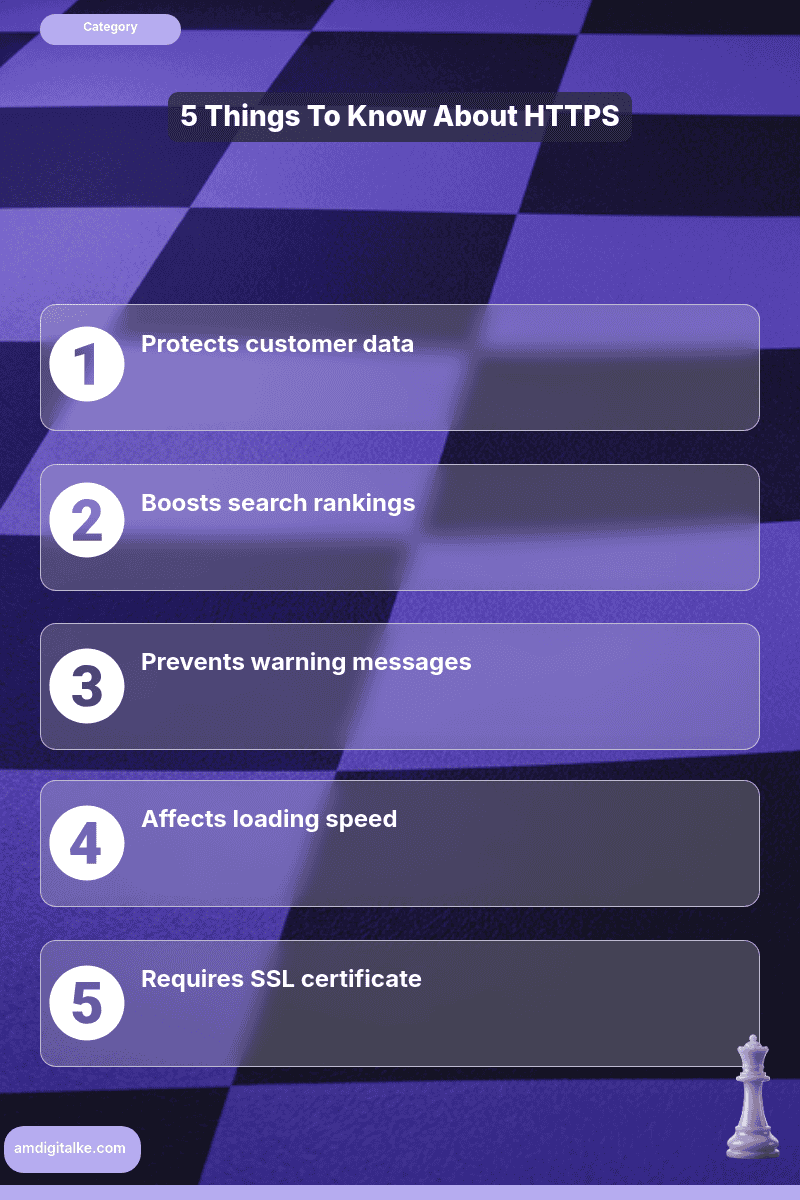
- HTTPS builds customer trust
- Google prioritises secure sites
- SSL certificates are essential
- Update internal links
- Set up 301 redirects
HTTPS protects your customers’ data and boosts your search rankings.
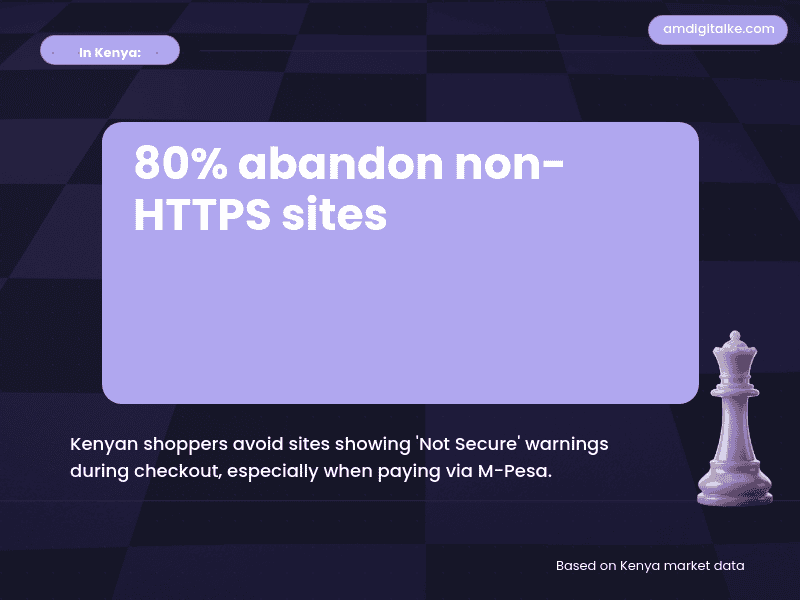
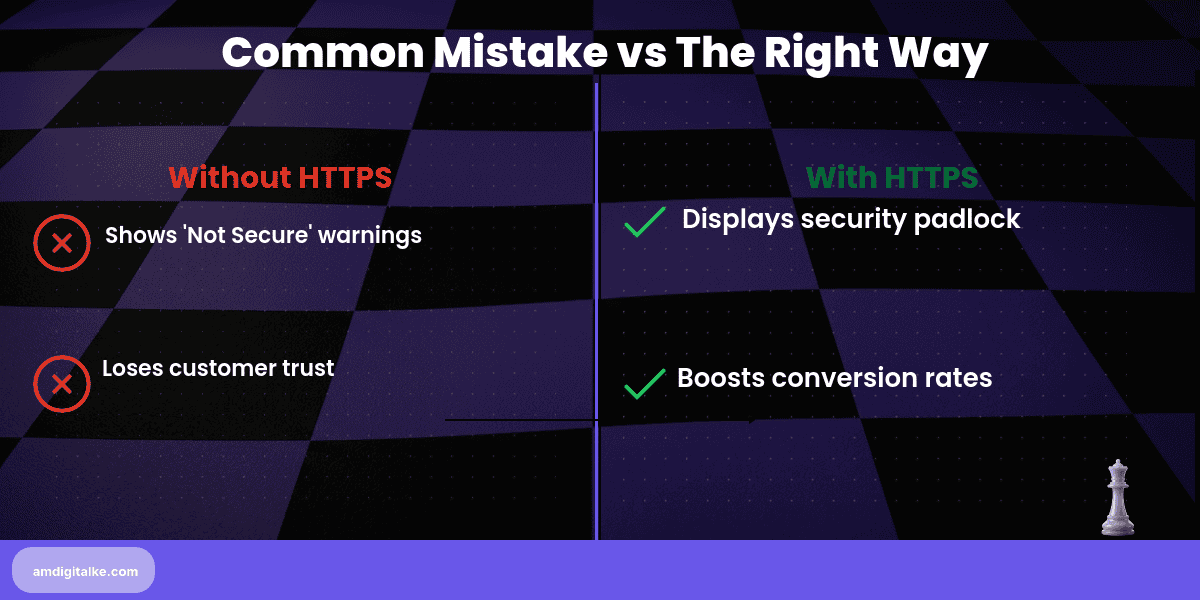
Google prioritises secure sites, which is why HTTPS matters for SEO success in Kenya. Kenyan customers increasingly abandon websites showing “Not Secure” warnings, especially when entering M-Pesa details or personal information for high-value purchases.
Imagine you run an online electronics store selling laptops and smartphones in Nairobi.
A customer searches “buy MacBook Nairobi” and finds your site. Their browser shows “Not Secure” at checkout.
They abandon the cart, worried about credit card theft. Meanwhile, your competitor with HTTPS gets the sale.
That single security certificate could mean the difference between a KES 150,000 sale and a lost customer.
Steps to Implement HTTPS for Your Kenyan Business
Step 1: Purchase an SSL certificate from your hosting provider
Most Kenyan hosts like Sasahost or Truehost offer free SSL certificates through Let’s Encrypt. Understanding what HTTPS really means helps you see why this security layer matters for both customers and Google.
Step 2: Install the SSL certificate on your server
Your hosting provider typically handles this automatically or provides one-click installation in cPanel. This is a critical part of implementing technical SEO properly since security signals rank alongside speed and mobile-friendliness.
Step 3: Update all internal links from HTTP to HTTPS
Change every link in your navigation, footer, and content to use “https://” instead of “http://”. This connects to optimising your on-page SEO effectively since consistent internal linking helps Google crawl efficiently.
Step 4: Set up 301 redirects from HTTP to HTTPS
This ensures anyone typing your old HTTP address automatically lands on the secure version. Understanding what technical SEO involves shows you how redirects preserve your existing ranking power when switching protocols.
Step 5: Update your Google Search Console and Google Analytics properties
Add the HTTPS version as a new property so you don’t lose tracking data. This relates to understanding what Google Search Console does for monitoring your site’s security status.
Step 6: Check for mixed content warnings
Ensure all images, scripts, and stylesheets also load via HTTPS, not HTTP. If you need more technical definitions like these, check out my SEO FAQs page for a complete glossary.
✅ Your HTTPS Implementation Checklist:
- ☐ SSL certificate purchased and installed
- ☐ All internal links updated
- ☐ 301 redirects configured
- ☐ Search Console updated
- ☐ Analytics property added
- ☐ Mixed content issues fixed
- ☐ Mobile site tested
Implement HTTPS this week, and you’ll see the security badge immediately. Based on AM Digital KE client data across Kenyan accounts, the ranking boost typically appears within 2-3 weeks, and customer trust increases instantly when that padlock icon shows up.
Download this complete SEO checklist to ensure you’ve covered every technical element, including HTTPS security.
Let’s run a free SEO analysis to verify your HTTPS implementation is working correctly across all pages.
Real-World HTTPS Impact for Kenyan Businesses
A Nairobi-based fashion retailer selling African print dresses online switched to HTTPS in January 2025. Within three weeks, their checkout abandonment rate dropped from 68% to 41%.
Customers reported feeling safer entering M-Pesa and card details. The secure padlock icon alone increased completed transactions by KES 280,000 monthly.
Related Content
Curious to learn more about technical security and SEO? Check out the posts below:
- What is Technical SEO — Technical SEO is the foundation category that HTTPS security falls under, covering crawlability, indexing, and site health.
- How to Optimise Page Speed — Page speed optimisation works alongside HTTPS to create fast, secure experiences for Kenyan mobile users.
- What is Google Search Console — Google Search Console monitors your HTTPS status and alerts you to security issues affecting rankings.
- What is Page Speed — Page speed and HTTPS security both contribute to Google’s ranking algorithm and user trust signals.
These articles will walk you through the basics of building a technically sound website.
Have more SEO questions? Our SEO FAQs Kenya page answers the most common ones.
Frequently Asked Questions
Why is HTTPS important for Kenyan businesses?
HTTPS prevents data theft, especially when handling M-Pesa payments and personal details.
How much does an SSL certificate cost?
Most Kenyan hosts like Sasahost offer free SSL certificates.
Will HTTPS affect my site speed in Kenya?
HTTPS may slightly slow loading but improves security and search rankings.
How do I fix mixed content warnings?
Ensure all images and scripts load through secure HTTPS links.