TL;DR: A 301 redirect is a permanent move signal for websites, ensuring visitors and search engines always reach your new page.
Last Updated: March 2026
Key Takeaways
- Keeps website traffic flowing
- Preserves Google rankings
- Prevents lost customers
- Essential for site restructuring
- Technical implementation required
A 301 redirect is a permanent instruction that tells search engines and browsers that a webpage has permanently moved to a new location.
When someone clicks on the old URL, they’re automatically sent to the new page without any action on their part.
It’s the digital equivalent of putting up a “We’ve moved permanently” sign with clear directions to your new address.
Picture this: Your popular electronics shop moves from Tom Mboya Street to a new location in Westlands.
You don’t just abandon your old customers – you put up clear signage directing them to your new premises.
A 301 redirect works exactly the same way for your website. When you change a page’s web address, the 301 redirect ensures visitors and Google can still find you at your new digital location, preserving all the reputation and customer relationships you’ve built.
Why It Matters for Your Kenyan Business
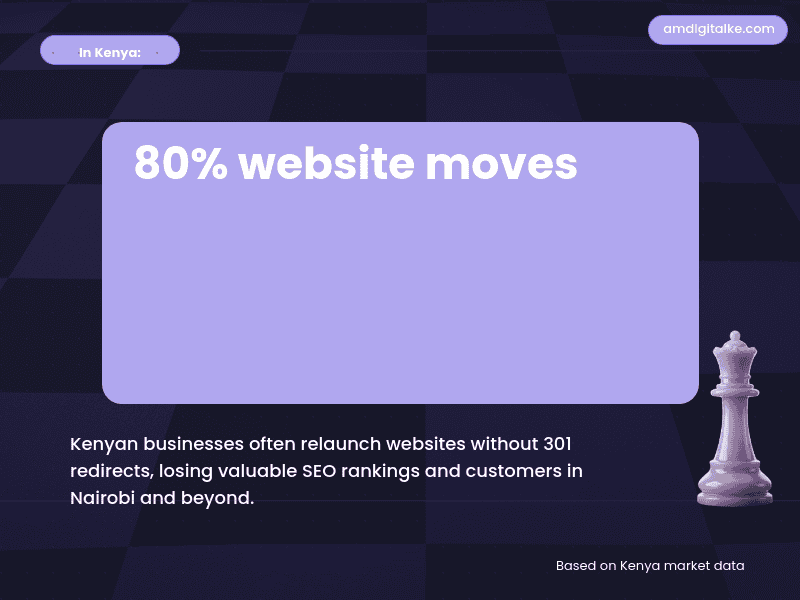
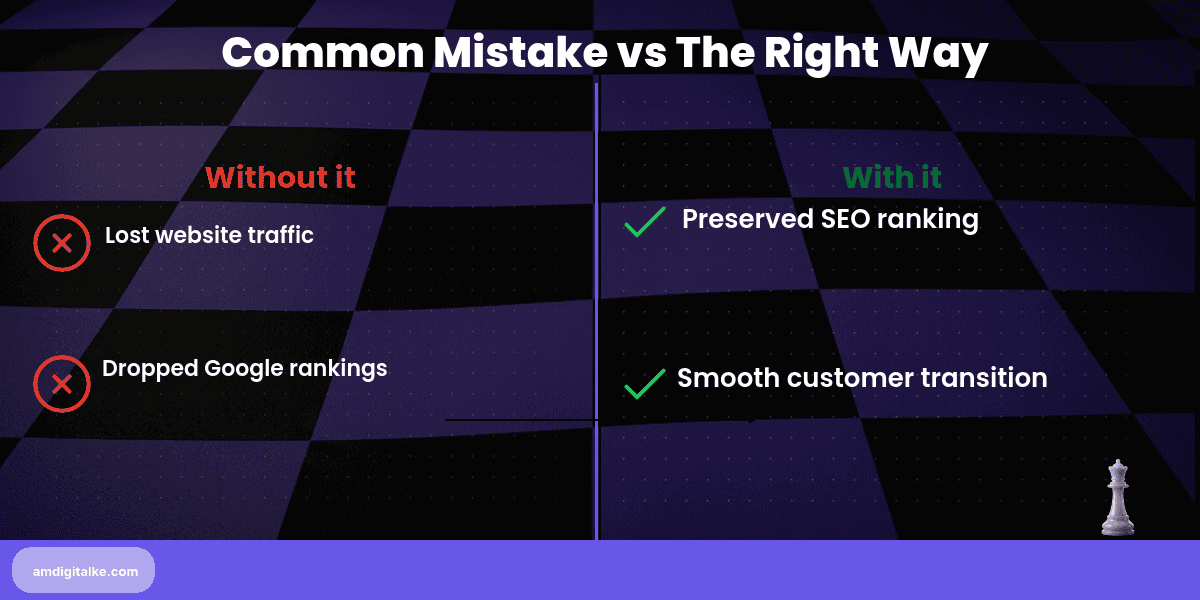
Without proper 301 redirects, moving or changing web pages is like relocating your Nairobi business without telling anyone – customers get lost, and you lose money.
When pages disappear without redirects, you lose all the Google ranking power those pages had built up, potentially dropping from page one to page ten overnight.
As the best SEO company in Nairobi, we help you understand that 301 redirects preserve your SEO investment.
For example, if your Mombasa hotel’s popular “beach packages” page has been ranking well for months, but you need to restructure your website, a 301 redirect ensures that ranking power transfers to your new page structure.
Without it, you’re starting from zero – losing visitors, bookings, and the search engine trust you’ve worked hard to build.
How 301 Redirects Work (With Examples)
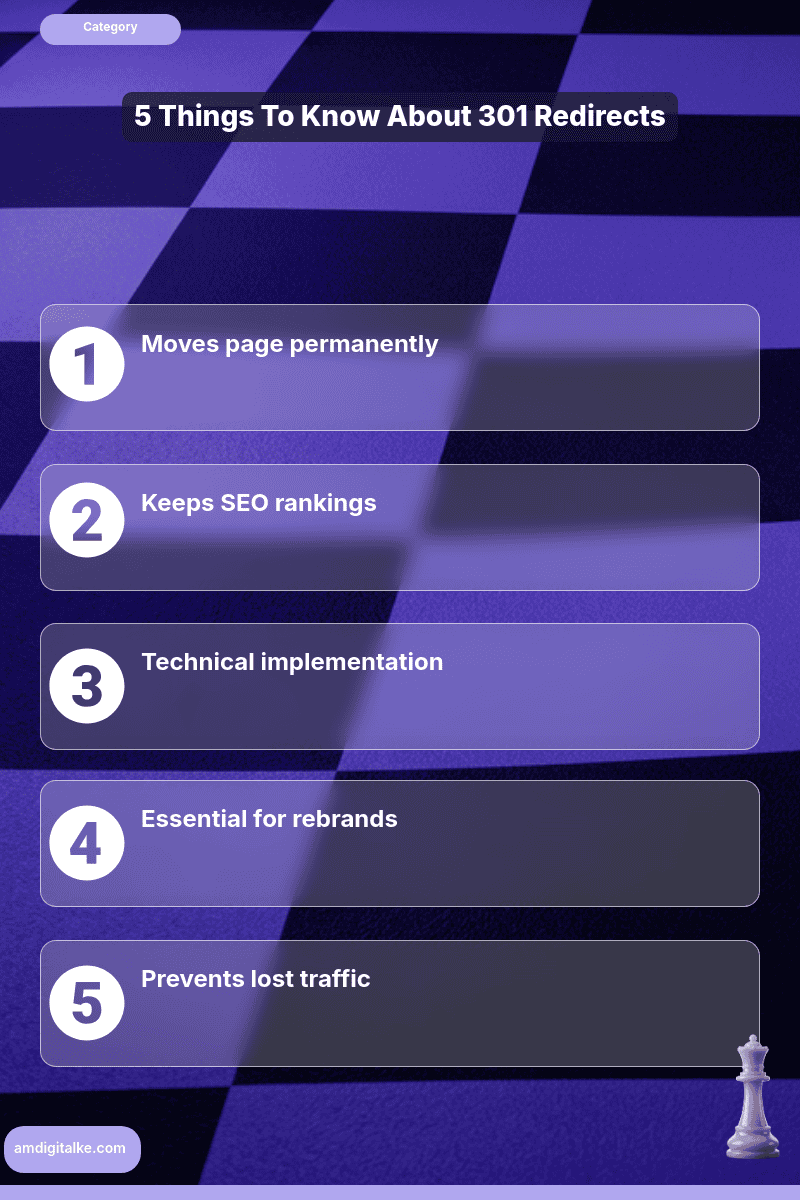
The process is straightforward but requires technical precision:
When you need 301 redirects:
- Changing your website structure (old: yoursite.com/services, new: yoursite.com/our-services)
- Updating page URLs for better SEO (old: yoursite.com/page1, new: yoursite.com/digital-marketing-nairobi)
- Consolidating similar pages (combining multiple service pages into one comprehensive page)
- Switching from HTTP to HTTPS across your entire site
Real Kenya business examples:
- A Kisumu restaurant changes its menu page from “food-items” to “authentic-nyama-choma-menu” for better local searches
- A Nakuru tour company restructures from “activities” to specific pages like “rift-valley-tours” and “flamingo-watching-packages”
- An online shop moves from “products” to category-specific URLs like “kenyan-coffee-beans” or “maasai-jewellery”
To learn more about terms like these, check out my SEO FAQs page for Kenyan Businesses. Then, check out how to naturally add 301 redirects without affecting your rankings.
Quick Action Checklist
Here’s your 301 redirect action checklist:
- ☐ Audit your current site: List all important pages that get traffic or have good Google rankings
- ☐ Identify redirect needs: Note any broken links, outdated URLs, or pages you’re planning to change
- ☐ Map old to new: Create a spreadsheet matching each old URL to its new destination
- ☐ Test redirects: Use free tools like Redirect Checker to ensure your redirects work properly
- ☐ Monitor traffic: Watch Google Analytics for any sudden drops in page visits after implementing redirects
- ☐ Update internal links: Change menu links and internal page links to point directly to new URLs
Need a complete walk-through? Download this complete SEO Checklist for everything you need to do.
Need a comprehensive redirect audit for your Kenya business website?
With our free SEO audit for Nairobi businesses, we analyse your website and create a strategic redirect plan that protects your search rankings while improving user experience.
Curious to learn about 301 Redirect? Check out the posts below
These articles will walk you through the basics of how to get 301 Redirects.
Have more SEO questions? Our SEO FAQs Kenya page answers the most common ones.
Frequently Asked Questions
Do I need a 301 redirect in Kenya?
Yes, it’s vital for Kenyan businesses moving websites or URLs to maintain search rankings and customer access.
How long does a 301 redirect take to work?
In Kenya, Google typically recognizes redirects within 1-4 weeks, but timing varies with website traffic levels.
Can I undo a 301 redirect?
While possible, reversing redirects may temporarily disrupt Kenya website traffic and SEO rankings.
Does a 301 redirect affect M-Pesa links?
Yes, if your M-Pesa payment page moves, use 301 redirects to prevent transaction failures for Kenyan customers.