TL;DR: To set up robots.txt, create a text file, upload it to your site’s root, block useless pages, allow critical ones, and add your sitemap link.
Last Updated: March 2026
Key Takeaways
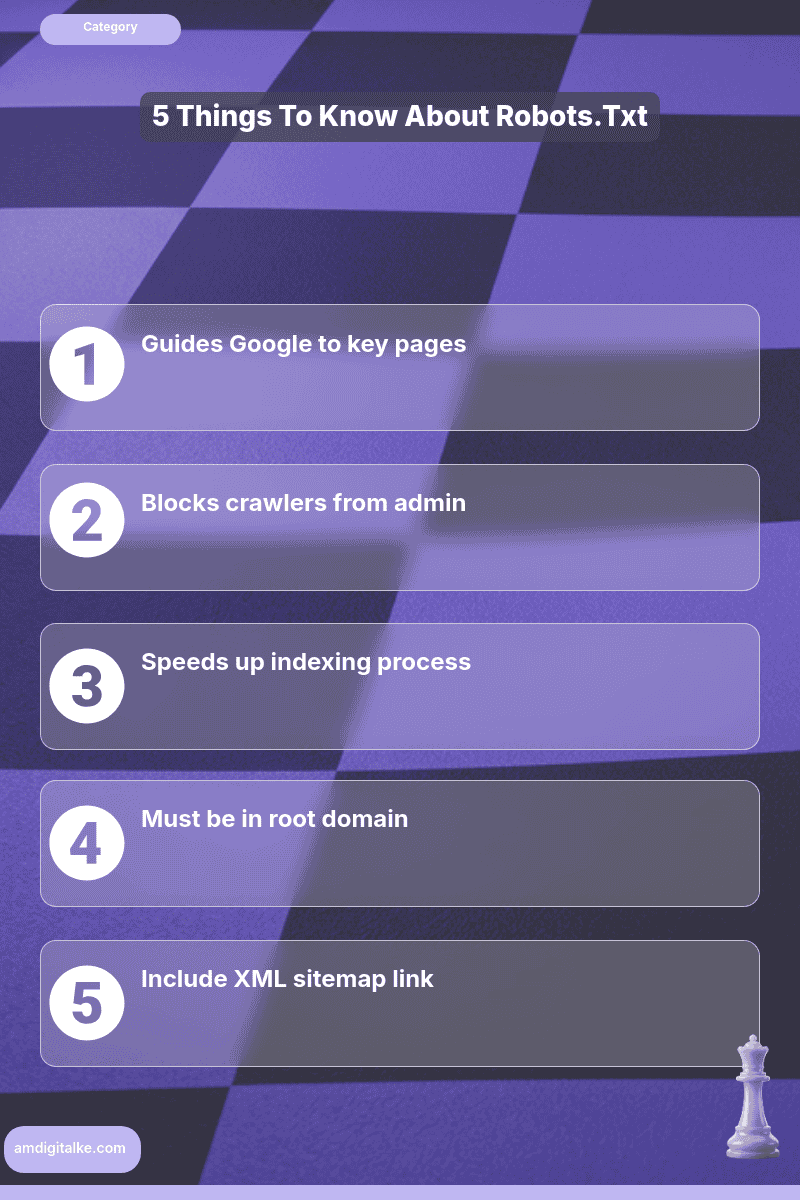
- Robots.txt guides search engine crawlers
- Blocks unwanted pages like admin
- Speeds up indexing of key pages
- Must be in root domain
- Include XML sitemap for efficiency
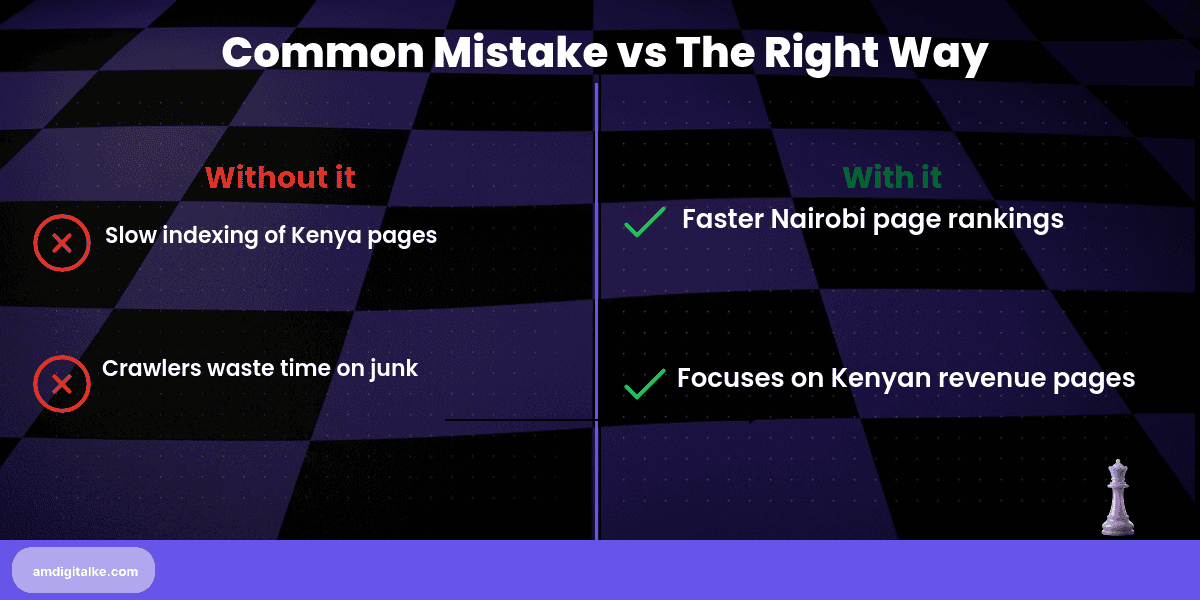
A properly configured robots.txt file prevents search engines from wasting time crawling unimportant pages, directing Google’s attention to your money-making content instead. For Kenyan businesses competing in crowded Nairobi markets, understanding what robots.txt files do means faster indexing of your key service pages and better rankings where it counts.
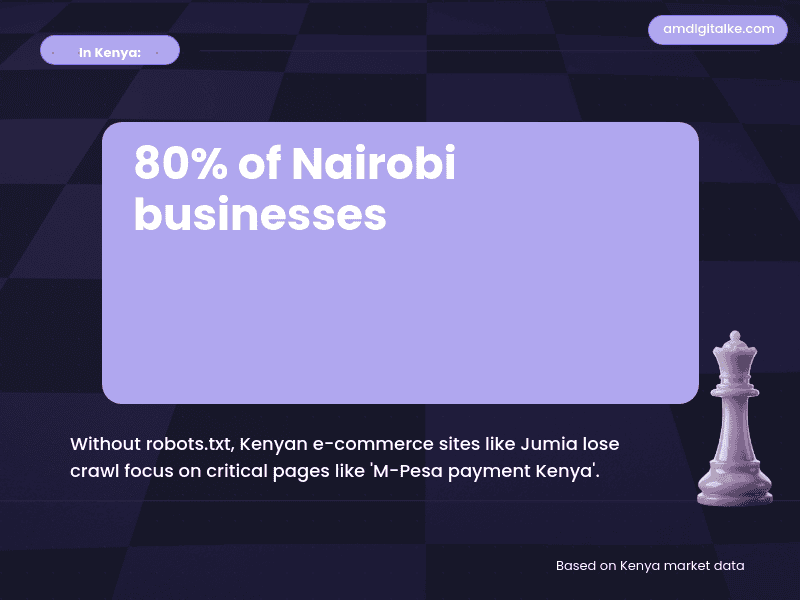
Imagine you run an online electronics store selling laptops and smartphones across Kenya. Without a robots.txt file, Google wastes crawl budget on your cart page, checkout process, and admin login—pages customers never need to find in search. Meanwhile, your product pages for “MacBook Air Kenya” and “Samsung Galaxy price Nairobi” get indexed slowly. A smart robots.txt file blocks the junk and speeds up indexing for pages that actually drive M-Pesa transactions.
Steps to Set Up a Robots.txt File for Your Kenyan Business
Step 1: Create a plain text file named exactly “robots.txt” (all lowercase)
Use Notepad, TextEdit, or any plain text editor—never Word or Google Docs.
This perfecting technical SEO fundamentals step ensures search engines can read your instructions properly.
Step 2: Upload it to your website’s root domain
Place it at yoursite.co.ke/robots.txt, not in subfolders like /admin/ or /blog/.
This location tells mastering web crawling processes where to find your crawling instructions first.
Step 3: Block administrative and duplicate content pages
Add lines like “Disallow: /admin/”, “Disallow: /cart/”, and “Disallow: /*?sort=” to keep Google away.
This protects the understanding of what technical SEO principles of efficient crawl budget management.
Step 4: Allow access to important pages explicitly
Add “Allow: /products/”, “Allow: /services/” to ensure Google can crawl your revenue pages.
Clear permissions help indexing your website pages happen faster for critical content.
Step 5: Add your XML sitemap location at the bottom
Include “Sitemap: https://yoursite.co.ke/sitemap.xml” to help Google find all your pages.
This connects your robots.txt with setting up XML sitemaps properly for maximum indexing efficiency.
Step 6: Test it using Google Search Console’s robots.txt Tester
Verify you haven’t accidentally blocked critical pages before going live.
Testing prevents the disasters that come from blocking pages that should be ranking.
Your Robots.txt Setup Checklist:
- ☐ File named “robots.txt” exactly
- ☐ Uploaded to the root domain
- ☐ Admin pages blocked
- ☐ Product/service pages allowed
- ☐ XML sitemap URL added
- ☐ Tested in Search Console
- ☐ No critical pages blocked
Set this up this afternoon—it takes 15 minutes. You’ll notice improved crawl efficiency in Search Console within 5-7 days, with your priority pages appearing in search results faster. Small technical win, significant competitive advantage.
Need clarity on technical terms? Check out my SEO FAQs page for a complete glossary of crawling and indexing concepts.
Want to cover all technical bases? Download this complete SEO Checklist to ensure proper robots.txt configuration and more.
Ready to optimise your crawl budget? Let’s run a free SEO analysis to identify which pages are wasting your Google crawl allowance.
Related Content
- What is Web Crawling (As Seen From a Kenya SEO) — Understanding how Google crawls your site helps you configure robots.txt to maximise crawl efficiency for important pages.
- How to Optimise Page Speed – A Kenyan Expert’s Playbook — Fast page speed combined with smart robots.txt configuration gives Google more time to crawl your valuable content.
- What is Mobile-First Indexing (Through a Kenyan Lens) — Your robots.txt should allow mobile crawlers to access the same content as desktop crawlers for proper mobile-first indexing.
- How to Leverage Mobile-First Indexing – A Kenyan Expert’s Guide — Mobile-first requires careful robots.txt configuration to avoid blocking resources mobile crawlers need.
- eCommerce SEO Services — See how Kenyan online stores use robots.txt to prevent Google from crawling filter pages and cart processes that waste crawl budget.
These articles will walk you through the basics of directing search engines to your most important content.
Have more SEO questions? Our SEO FAQs Kenya page answers the most common ones.
Frequently Asked Questions
What does a robots.txt file do?
It tells search engines which pages to crawl or ignore, helping them focus on important content.
Where should I place robots.txt?
In your site’s root directory, like yoursite.co.ke/robots.txt, so Google finds it easily.
Can robots.txt boost my Kenya rankings?
Yes, by directing crawlers to key pages like ‘M-Pesa payment Kenya’ or ‘Nairobi delivery services’ faster.
Should I block my admin pages?
Yes, always block admin pages like /login/ to prevent unwanted crawling and security risks.