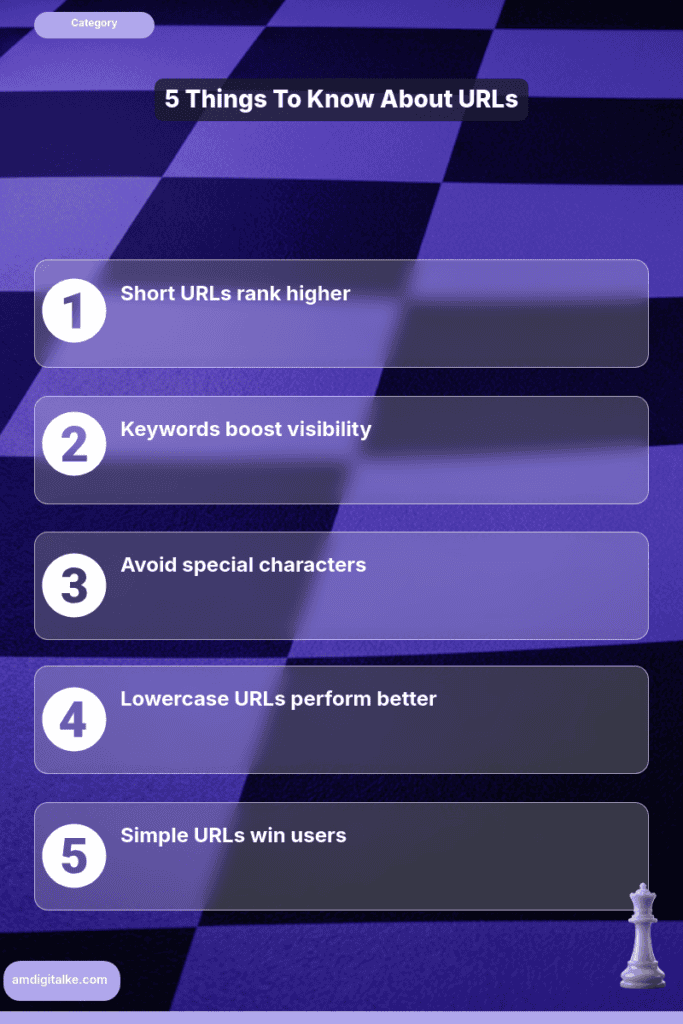
TL;DR: Optimize URLs by making them short, descriptive, and user-friendly, especially for Kenyan businesses targeting local markets.
Last Updated: March 2026
Key Takeaways
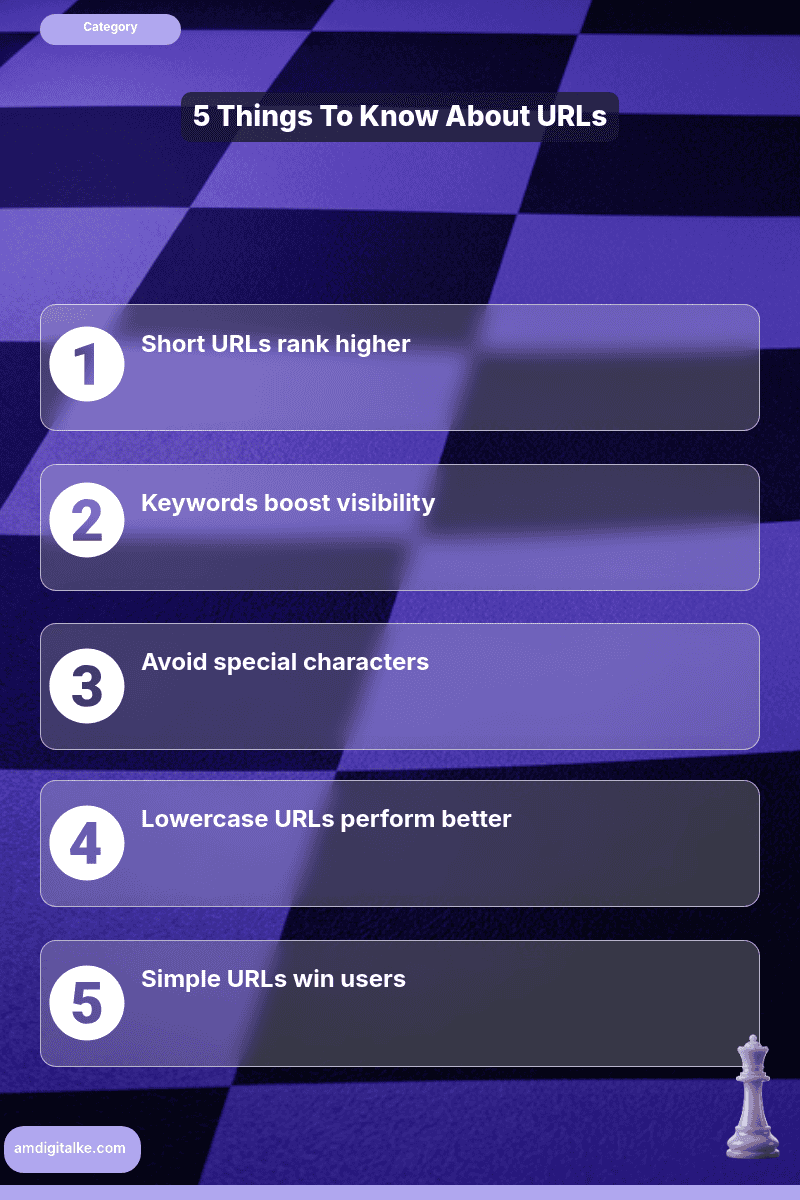
- Short URLs rank better
- Include keywords for clarity
- Avoid special characters
- Use lowercase letters
- Keep URLs simple
Canonical URLs prevent Google from penalising your site for duplicate content, protecting your hard-earned search rankings.
For Kenyan businesses competing in crowded Nairobi markets, understanding what canonical URLs are ensures Google knows which version of your pages to rank, consolidating your SEO power instead of splitting it across multiple URLs.
Imagine you run an online electronics store selling laptops across Kenya. Your MacBook Pro listing appears at multiple URLs: yoursite.co.ke/macbook-pro, yoursite.co.ke/laptops/macbook-pro, and yoursite.co.ke/products?id=12345.
Without canonical tags, Google sees three competing pages for “MacBook Pro Kenya,” diluting your rankings.
Add a canonical tag pointing all versions to your main URL, and suddenly Google focuses all ranking power on one authoritative page—pushing you above competitors in Nairobi searches.
Steps to Implement Canonical URLs for Your Kenyan Business
Step 1: Identify duplicate or similar content pages
Check product pages with multiple URLs, HTTP vs HTTPS versions, www vs non-www, and printer-friendly versions.
This perfecting technical SEO fundamentals step prevents ranking dilution before it happens.
Step 2: Choose your preferred canonical URL
Pick the cleanest, most user-friendly version as your main URL (usually the shortest, most descriptive one).
This becomes your authoritative version that understands what technical SEO principles recognise as your main page.
Step 3: Add the canonical tag in your page’s HTML head section
Insert <link rel="canonical" href="https://yoursite.co.ke/preferred-url" /> between the <head> tags.
This tells Google which version to prioritise when indexing.
Step 4: Use absolute URLs, not relative paths
Always include the full URL with https:// to avoid confusion across different page versions.
This clear signalling helps you master web crawling processes and understand your site structure properly.
Step 5: Set your preferred domain in Google Search Console
Tell Google whether you prefer www or non-www versions under Settings > Domain Properties.
This reinforces your canonical preferences at the domain level.
Step 6: Check that each page canonicalises to only one URL
A page should never have multiple canonical tags pointing to different URLs.
Conflicting signals confuse Google and waste crawl budget that could be indexing your website pages faster.
Your Canonical URL Checklist:
- ☐ Duplicates identified across the site
- ☐ Preferred URL chosen per page
- ☐ Canonical tag in HTML head
- ☐ Absolute URLs used (with https://)
- ☐ Google Search Console preference set
- ☐ One canonical per page only
- ☐ Mobile and desktop versions match
Implement canonicals on your product and service pages this week. Within 2-3 weeks, you’ll see Google consolidate rankings around your preferred URLs, strengthening your position for competitive keywords like “buy laptops Nairobi.”
Have more technical questions? Check out my SEO FAQs page for a complete glossary of technical terms.
Want to cover all technical bases? Download this complete SEO Checklist to ensure nothing gets missed.
Ready to fix your duplicate content issues? Let’s run a free SEO analysis to identify all pages that need canonical tags.
Related Content
Curious to learn more about canonical URLs? Check out the posts below
- How to Implement 301 Redirects Without Losing Rankings — 301 redirects work alongside canonicals to consolidate ranking power when permanently moving content to new URLs.
- What is Indexing (from a Kenya SEO Specialist) — Understanding how Google indexes pages helps you see why canonical tags prevent duplicate content from appearing in search results.
- How to Set Up an XML Sitemap- For the Kenyan Market — Your XML sitemap should reference your preferred canonical URLs to reinforce which versions Google should prioritise.
- What is Page Speed? (A Kenya Business Guide) — Technical SEO elements like canonicals work together with page speed optimisation to improve overall site performance.
- eCommerce SEO Services — See how Kenyan online stores use canonical tags to handle product variations and filter pages without duplicate content penalties.
These articles will walk you through the basics of protecting your search rankings with proper URL management.
Have more SEO questions? Our SEO FAQs Kenya page answers the most common ones.
Frequently Asked Questions
Why are short URLs important in Kenya?
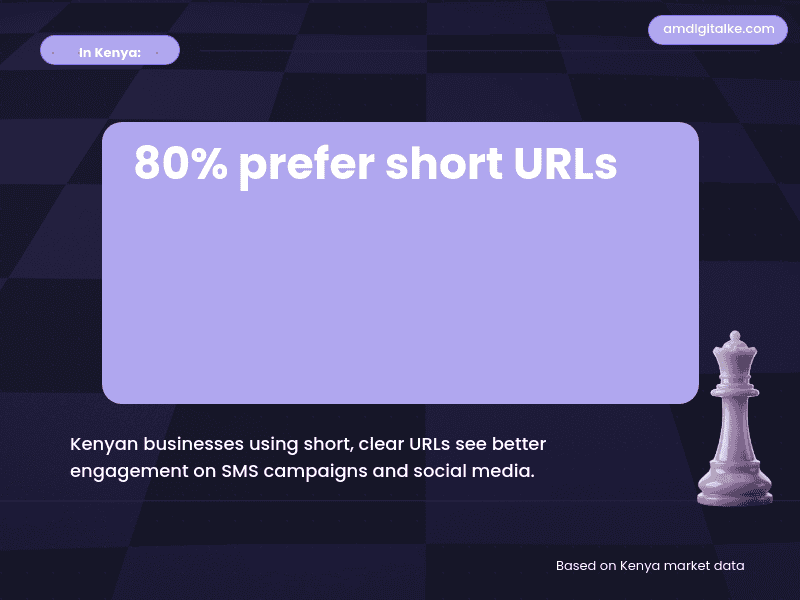
Short URLs are easier to share and remember, crucial for Kenyan businesses reaching customers via SMS or social media.
Should I include keywords in URLs?
Yes, include relevant keywords like ‘Nairobi delivery’ or ‘M-Pesa payment’ to improve SEO and clarity.
How do URLs affect ranking on Google Kenya?
Clear, optimized URLs help Google understand your page’s content, boosting rankings in Kenyan search results.
What common mistakes do Kenyan sites make?
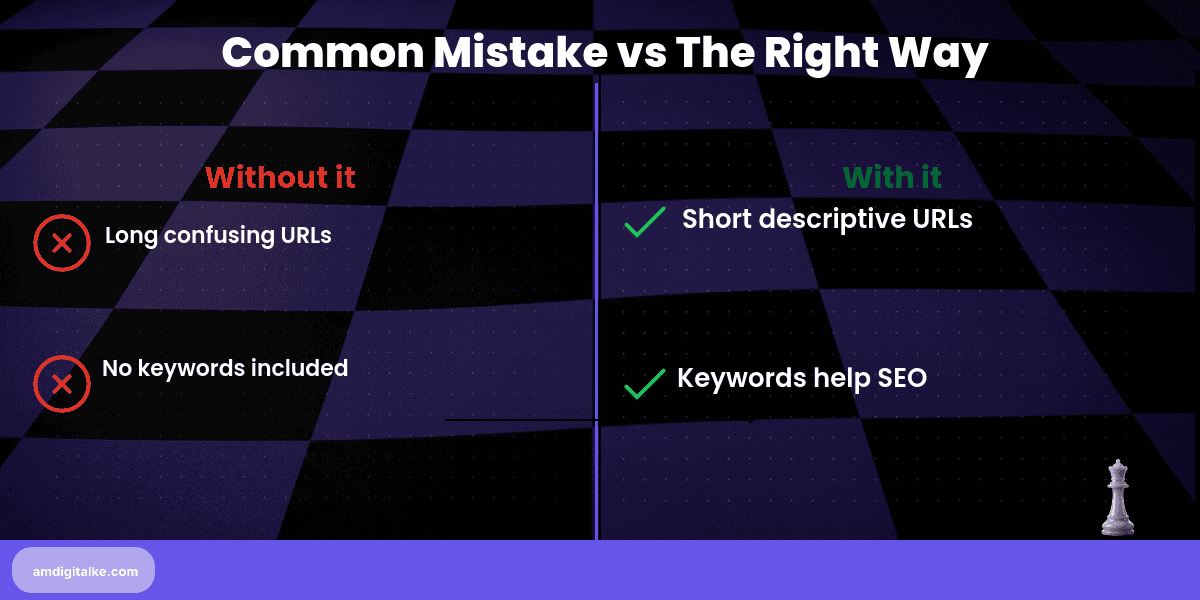
Using long URLs with unnecessary numbers or symbols confuses both users and search engines.